BMW Explorer is an aftermarket computer-based diagnostic and engineering system from Auto-Explorer. It combines proprietary software and an adapter, with separately licensed functions for some specialist operations. It is a third-party product, distinct from BMW's factory ISTA and ICOM equipment. [1] [2]
Hardware and setup
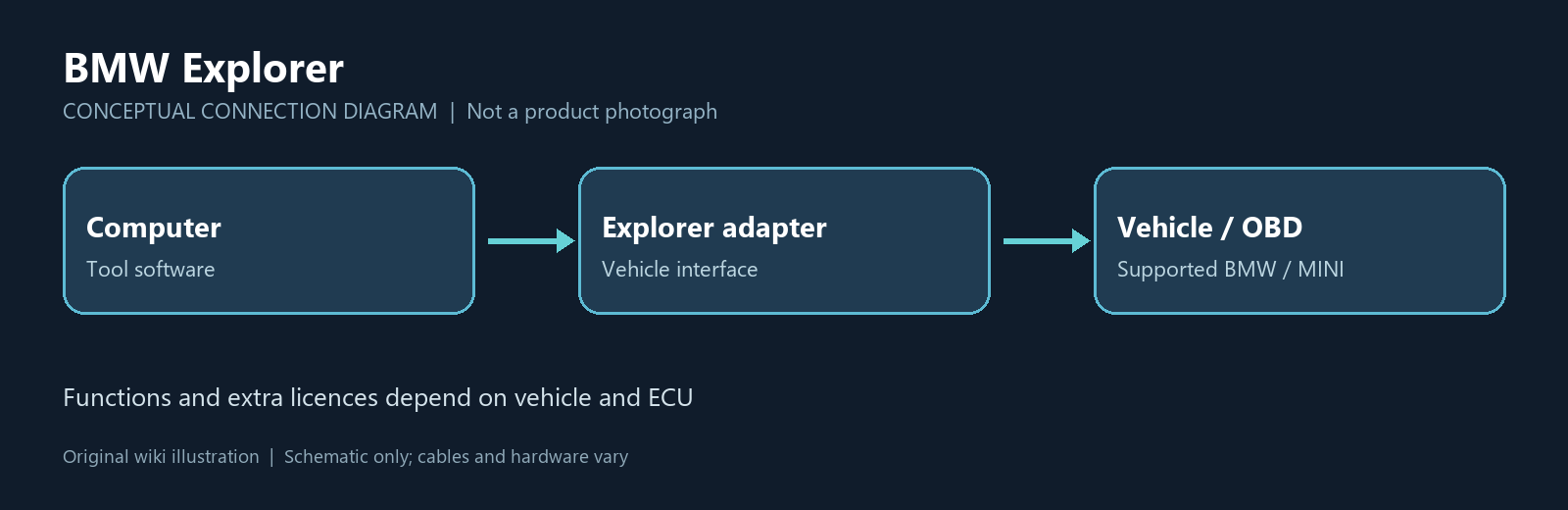
The maker's start guide describes installing the program on a computer and connecting the Explorer adapter through USB-A; its beginner documentation describes connection to the vehicle's diagnostic socket. The software checks for the adapter and may update it. Specific advanced jobs may need additional interfaces or equipment. [2] [3]
Coverage
The base product listing names selected BMW E-, F-, G- and i-series models, MINI R- and F-series models, and Rolls-Royce from 2003 onward. Examples include E90, F30, G30, G11, i3 and MINI F56. These are listed vehicle families, not a guarantee that every function works on every car. The maker lists drive, chassis and body controllers including CAS, DME, EGS, DSC, FRM and KOMBI; availability varies by controller and job. [1]
Functions and licensing
- Base diagnostics: fault-code diagnosis and interpretation, service interval work, battery registration, and selected vehicle data and service adjustments. The listing identifies some memory, VIN and programming-index functions as limited to particular ECUs. [1]
- Keys and immobiliser: the help index describes selected CAS, FEM and BDC key functions, ISN reading, CAS/DME synchronisation and ECU replacement. Methods vary and can include OBD or data-dump work. [4]
- Optional licences: the maker lists modules for F/G coding, FEM/BDC and CAS4 keys, selected EGS reset, MDG1/EGS calibration and BDC2 functions. These should not be assumed to be included in the base package. Check the current module listing and required accessories. [5]
The base page describes FA/vehicle-order adjustment as being in test mode; confirm current status with the supplier. The licence guide shows the adapter connected when purchasing licences, and describes an offline request option. [6]
Workshop considerations
Confirm the VIN, chassis, control-unit part number and software version, installed licence, necessary adapters and current procedure before accepting a job. Save available coding and configuration data before changes and use a stable, correctly rated power supply during programming. Interrupted programming or an unsuitable procedure can leave a module unusable. Key and immobiliser functions require authorisation to work on the vehicle; record legitimate module replacement and mileage information accurately.
Related pages
BMW diagnostics · ABRITES AVDI for BMW · Autohex II for BMW
Sources and further information
Manufacturer documentation and product information accessed 10 November 2026. Functions are manufacturer descriptions, not independent verification.