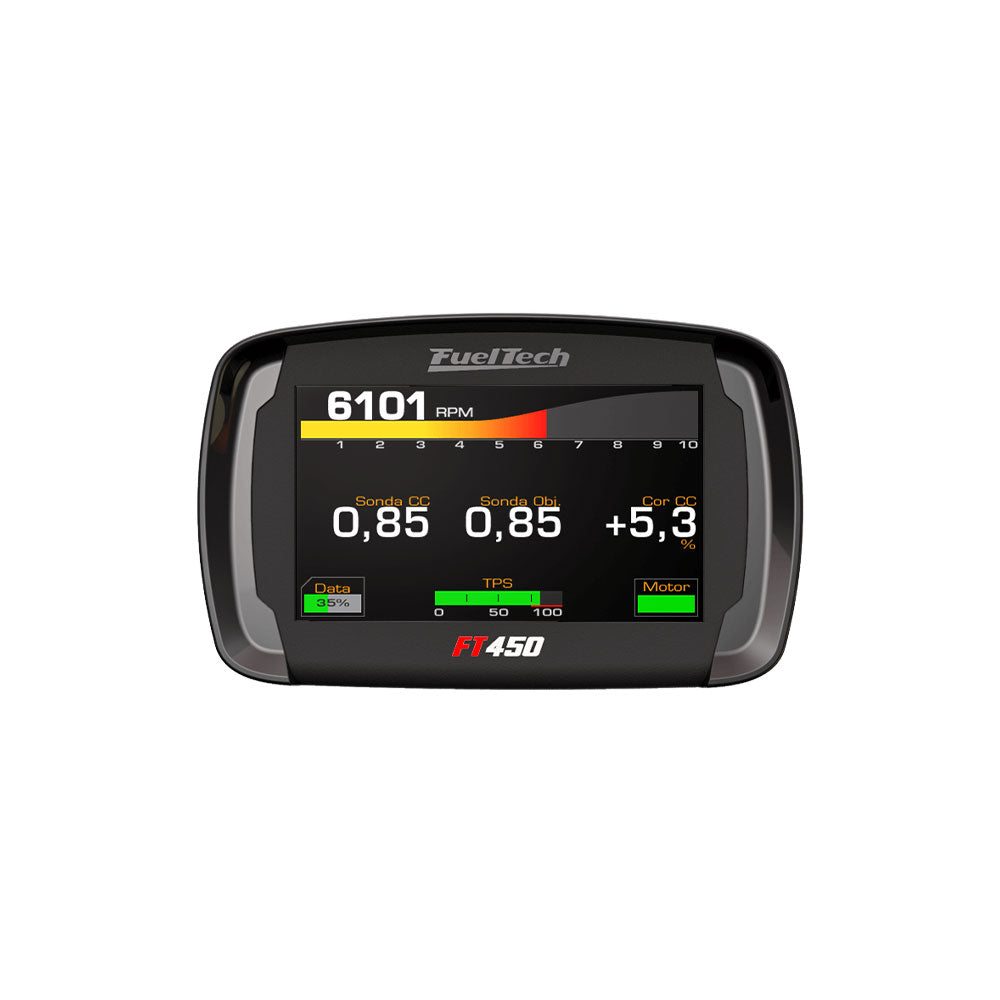
FuelTech FT450 is a PowerFT engine-management unit. PowerFT controller with a 4.3-inch touchscreen, seven configurable inputs and ten outputs. FuelTech identifies up to six-cylinder sequential injection and four-cylinder sequential ignition for this unit. FuelTech model documentation · FuelTech range comparison.
Identification and software
Record the exact model, serial, harness, firmware and configured outputs; similarly named FT models may use different connectors and functions. Tuning software: FTManager. FuelTech software and compatibility.
Wiring and pinout
Use the model-specific manual and the current FuelTech manuals index for connector view, cavity numbering, fuse values, sensor grounds and injector-driver limits. The manufacturer wiring archive contains installation-specific examples; match the exact ECU and harness before wiring. Pin functions depend on the model, hardware and configured output.
See FuelTech engine-management family for other models and company background. FuelTech is based in Brazil and has a US operation in Georgia. Sources reviewed 17 November 2026.
FT450 connector assignments
From FuelTech PowerFT installation manual, sections 4.1 and 4.2. The source numbers the positions on the connector back, where terminals are inserted; check the original diagram, fuse and current requirements. Configurable blue and gray outputs are typical injector and ignition channels, not fixed assignments. Gray outputs need the manufacturer-specified external driver when used for injection; the FT450 has model-specific restrictions.
Connector A — 26-way
| Pin | Function |
|---|---|
| 1 | Blue output 1 |
| 2 | Blue output 2 |
| 3 | Blue output 3 |
| 4 | Blue output 4 |
| 5 | Blue output 5 |
| 6 | Blue output 6 |
| 7 | Power ground |
| 8 | Gray output 1 |
| 9 | Gray output 2 |
| 10 | Gray output 3 |
| 11 | Gray output 4 |
| 12 | Battery negative |
| 13 | 12 V from relay |
| 14 | 5 V sensor supply |
| 15 | CAN A low |
| 16 | CAN A high |
| 17 | Cam sync input |
| 18 | Magnetic RPM sensor reference |
| 19 | RPM signal input |
| 20 | Sensor input 1 |
| 21 | Sensor input 2 |
| 22 | Sensor input 3 |
| 23 | Sensor input 4 |
| 24 | Sensor input 5 |
| 25 | Sensor input 6 |
| 26 | Sensor input 7 |