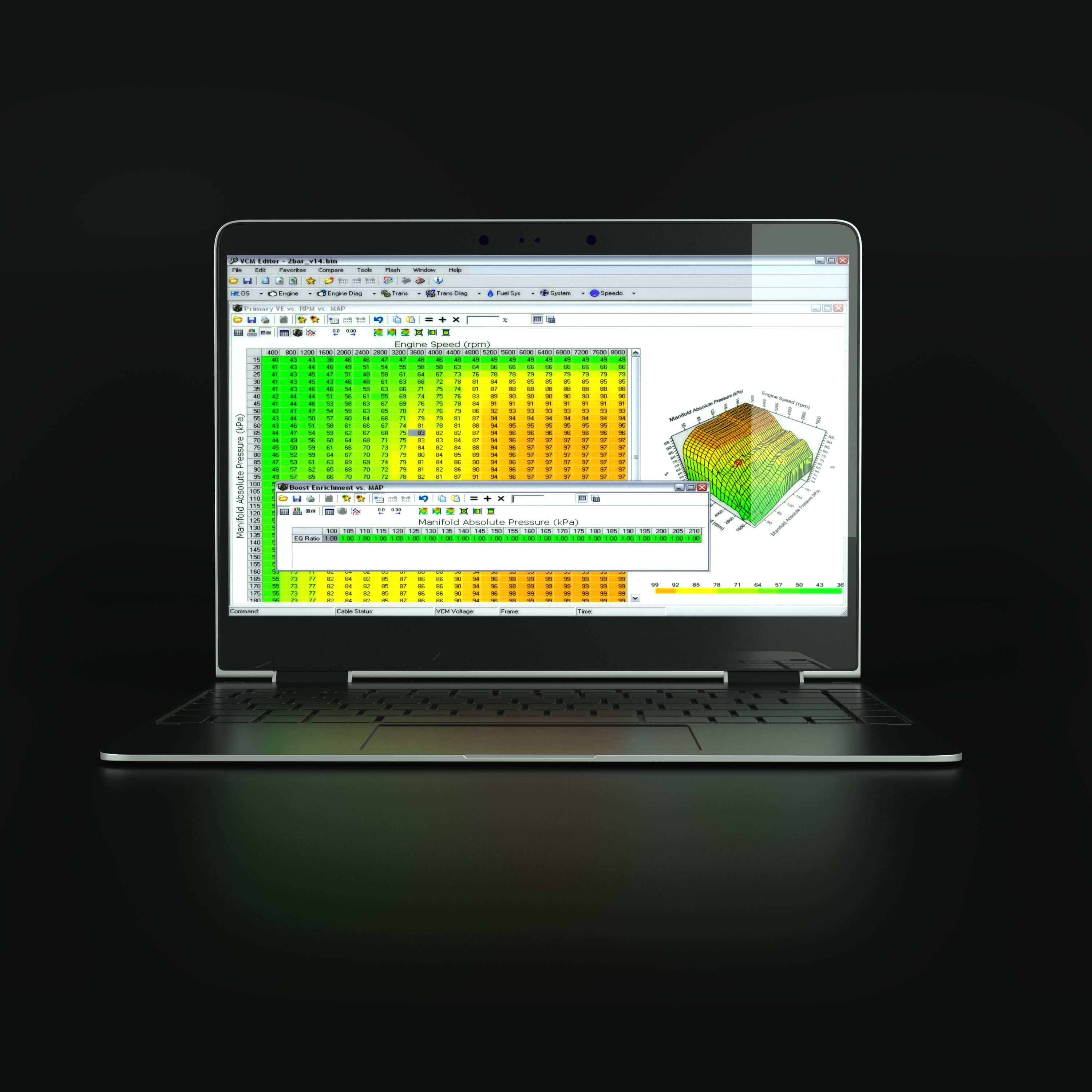
VCM Editor is the calibration editing and flashing application in HP Tuners' VCM Suite. It works with a compatible HP Tuners interface to read supported vehicle controllers, edit defined calibration parameters, save files and write supported changes. ECM and TCM access and the available parameters depend on the vehicle, controller and operating system. VCM Suite also includes VCM Scanner for diagnostic and logging work. HP Tuners: VCM Suite.
What it does
- Reads supported controllers, identifies the calibration and saves a copy of the initial read.
- Displays supported switches, scalars and tables, including engine and transmission parameters where defined for the calibration.
- Compares supported parameters between files and reviews change history; the comparison omits DTC differences and requires compatible table dimensions.
- Writes an appropriate calibration using a licensed interface and the write operation specified for that controller.
Basic workflow
- Confirm vehicle support, the required interface, credits and any controller service or access cable. Read and record diagnostic trouble codes before reading; HP Tuners says reading can clear them.
- Obtain a baseline with Scanner, use a stable power supply and read and save the original calibration.
- Make understood, controlled changes and save a separate file. Compare it with the original, check file and controller compatibility, and follow the manufacturer's applicable write instructions.
- Log the result in VCM Scanner and verify the changes across relevant operating conditions.
Licences are tied to controller and interface details; costs and additional module requirements vary. HP Tuners warns against licensing or flashing repository files from another vehicle. Licensing and repository files. A special operating-system modification can require a specific first-write sequence; follow the instructions for the exact calibration.
Official screenshots and further reading
- VCM Editor getting started: illustrated read and write workflow.
- Comparing two tune files.
- HP Tuners VCM Editor video walkthrough.
- HP Tuners MPVI4 interface and application examples.
See the HP Tuners VCM Suite overview for an image of VCM Editor and its parameter screens.