Removed text is struck through; added text is highlighted.
BT 60 is a legacy burst telemetry device for transferring recorded data from compatible loggers, not a replacement for the logger. Bosch's DDU 8 manual describes a 5 GHz system with Ethernet to DDU 8, C 60 and C 55, up to 12 Mbit/s and partial track coverage. Actual service and radio compliance depend on hardware and region. Bosch DDU 8 manual, burst telemetry section.
Bosch BT 60 family telemetry unit and antenna. Image: Bosch Motorsport, reproduced with permission. Manufacturer source.
Data analysis softwareWinDarab V7 example showing lap traces and circuit map. Image: Bosch Motorsport, reproduced with permission; manufacturer product page.BT 60 transfers telemetry from compatible equipment; it does not create a standalone log. When used with a Bosch logger supported by WinDarab, the logger's downloaded recording can be examined in WinDarab. Verify the connected logger, receiver and software version. The screenshot is an example of Bosch analysis software, not a BT 60 configuration screen.WinDarab V7 download, documentation and edition information. RaceCon is a separate configuration tool for compatible devices. See the Bosch Motorsport software overview.
Connector and wiring
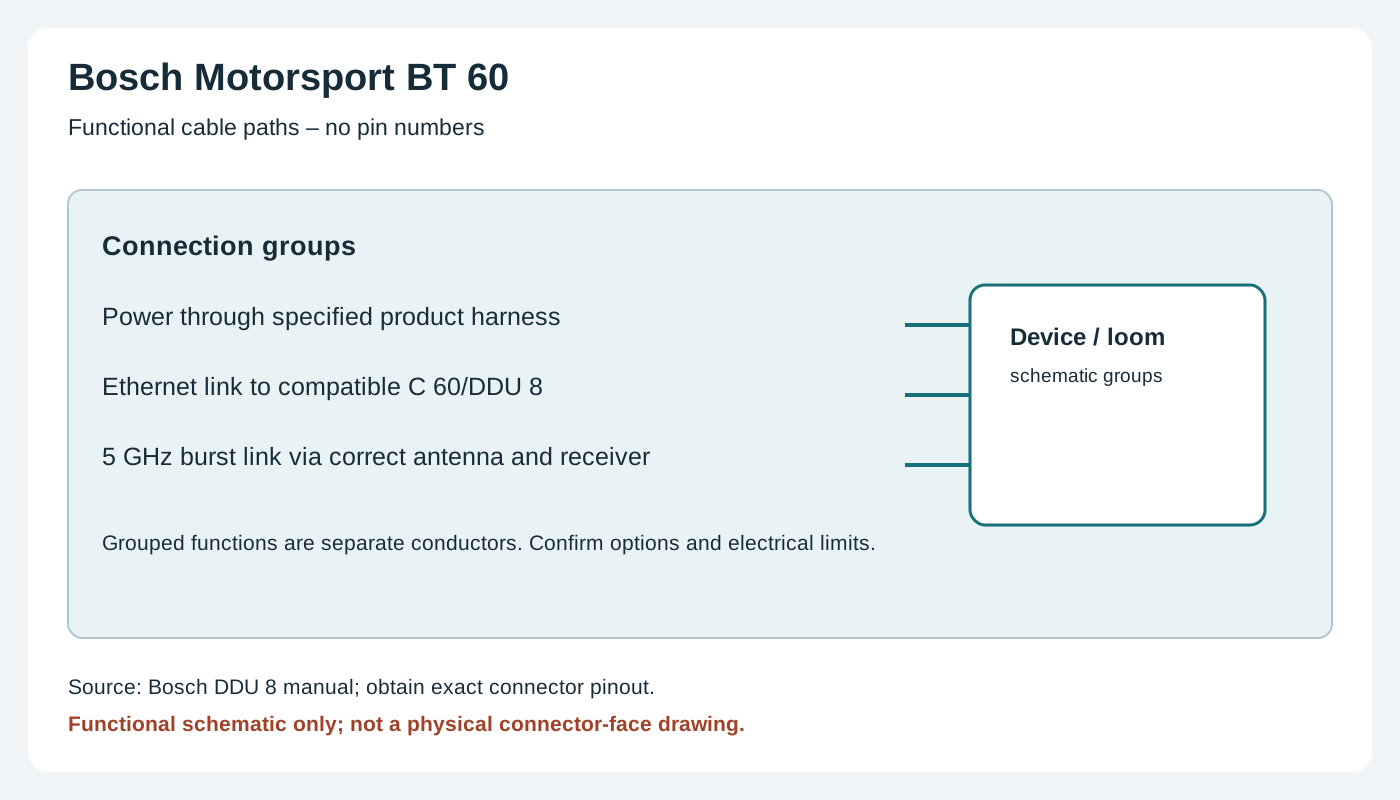
The cited source describes Ethernet, the radio antenna and compatible receiver, but does not identify a complete numbered connector pinout. Obtain the precise unit and harness documentation before wiring; this is a functional layout, not a pin assignment.
BT 60 conceptual signal paths. Original wiki functional schematic, not a connector-face view. Source: Bosch Motorsport documentation; use the manufacturer's drawings and pin numbers.
Installation and related information
Confirm the precise model, hardware revision, enabled options and manufacturer's wiring diagram before connecting. Use correct power protection, sensor limits and the chosen ECU protocol; a compatible connector does not guarantee compatible data. Configure in the appropriate Bosch software and verify a short recording or connection. See the Bosch Motorsport manufacturer overview.
Rendered revisions
Open each version to inspect formatting, tables and photographs.
Revision 1: Bosch Motorsport BT 60
BT 60 is a legacy burst telemetry device for transferring recorded data from compatible loggers, not a replacement for the logger. Bosch's DDU 8 manual describes a 5 GHz system with Ethernet to DDU 8, C 60 and C 55, up to 12 Mbit/s and partial track coverage. Actual service and radio compliance depend on hardware and region. Bosch DDU 8 manual, burst telemetry section.
Bosch BT 60 family telemetry unit and antenna. Image: Bosch Motorsport, reproduced with permission. Manufacturer source.
Connector and wiring
The cited source describes Ethernet, the radio antenna and compatible receiver, but does not identify a complete numbered connector pinout. Obtain the precise unit and harness documentation before wiring; this is a functional layout, not a pin assignment.
BT 60 conceptual signal paths. Original wiki functional schematic, not a connector-face view. Source: Bosch Motorsport documentation; use the manufacturer's drawings and pin numbers.
Installation and related information
Confirm the precise model, hardware revision, enabled options and manufacturer's wiring diagram before connecting. Use correct power protection, sensor limits and the chosen ECU protocol; a compatible connector does not guarantee compatible data. Configure in the appropriate Bosch software and verify a short recording or connection. See the Bosch Motorsport manufacturer overview.
Revision 2: Bosch Motorsport BT 60
BT 60 is a legacy burst telemetry device for transferring recorded data from compatible loggers, not a replacement for the logger. Bosch's DDU 8 manual describes a 5 GHz system with Ethernet to DDU 8, C 60 and C 55, up to 12 Mbit/s and partial track coverage. Actual service and radio compliance depend on hardware and region. Bosch DDU 8 manual, burst telemetry section.
Bosch BT 60 family telemetry unit and antenna. Image: Bosch Motorsport, reproduced with permission. Manufacturer source.
Data analysis software
WinDarab V7 example showing lap traces and circuit map. Image: Bosch Motorsport, reproduced with permission; manufacturer product page.
BT 60 transfers telemetry from compatible equipment; it does not create a standalone log. When used with a Bosch logger supported by WinDarab, the logger's downloaded recording can be examined in WinDarab. Verify the connected logger, receiver and software version. The screenshot is an example of Bosch analysis software, not a BT 60 configuration screen.
The cited source describes Ethernet, the radio antenna and compatible receiver, but does not identify a complete numbered connector pinout. Obtain the precise unit and harness documentation before wiring; this is a functional layout, not a pin assignment.
BT 60 conceptual signal paths. Original wiki functional schematic, not a connector-face view. Source: Bosch Motorsport documentation; use the manufacturer's drawings and pin numbers.
Installation and related information
Confirm the precise model, hardware revision, enabled options and manufacturer's wiring diagram before connecting. Use correct power protection, sensor limits and the chosen ECU protocol; a compatible connector does not guarantee compatible data. Configure in the appropriate Bosch software and verify a short recording or connection. See the Bosch Motorsport manufacturer overview.