Autosport Labs produces RaceCapture in-car data acquisition and telemetry systems and PodiumConnect interfaces for existing data systems. RaceCapture can record locally for later analysis, while supported configurations send selected channels to the Podium online service. The channels, recording and communication hardware depend on the exact model, accessories and configuration.
Model guide
RaceCapture/Track MK4
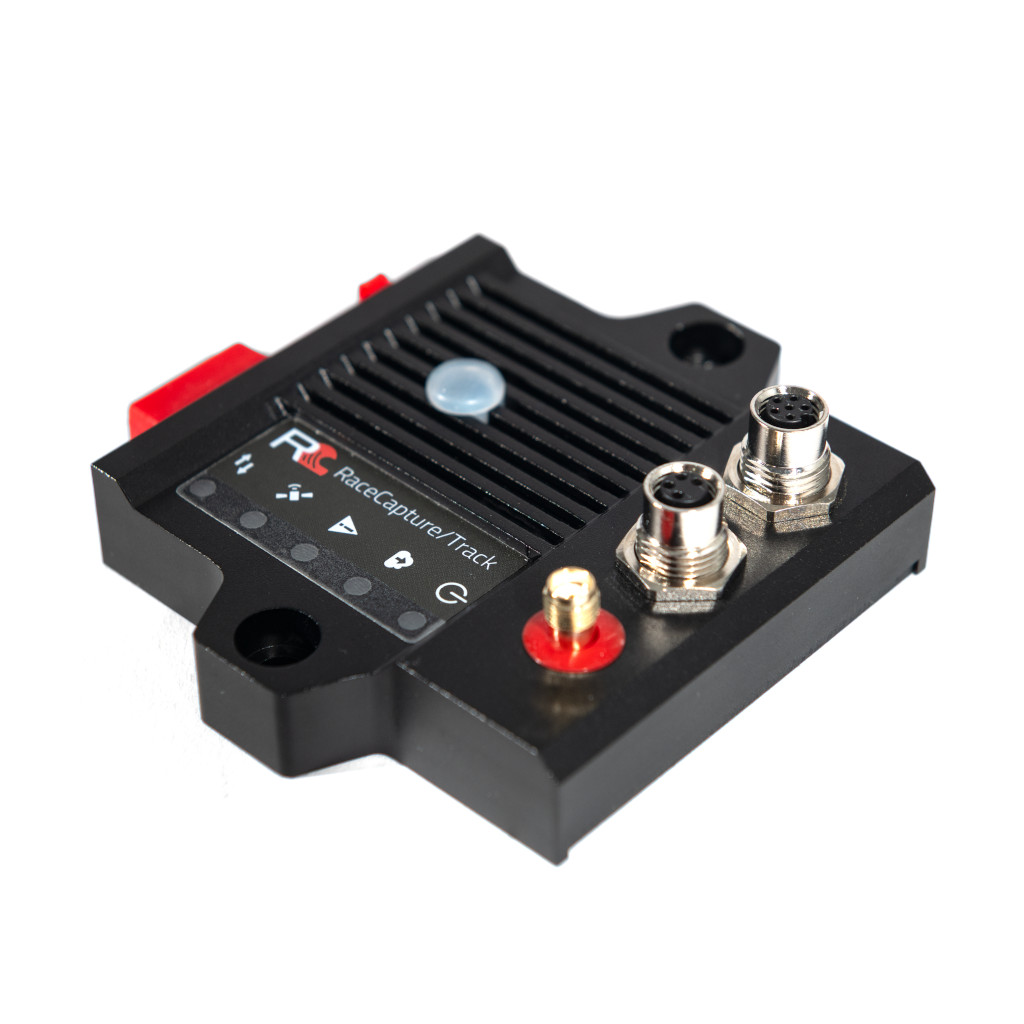
A compact motorsport logger and telemetry system for GPS-based lap analysis and vehicle data. Its manufacturer guide covers automatic recording, CAN/OBD connections, local analysis and live streaming. The RaceCapture app connects to the device for configuration and local dashboard viewing. To send live data to Podium, configure the unit for a 2.4 GHz Wi-Fi hotspot with internet access and enter a device streaming key. Wi-Fi access point mode on its own is a local connection, not an internet uplink.
RaceCapture/Pro MK4
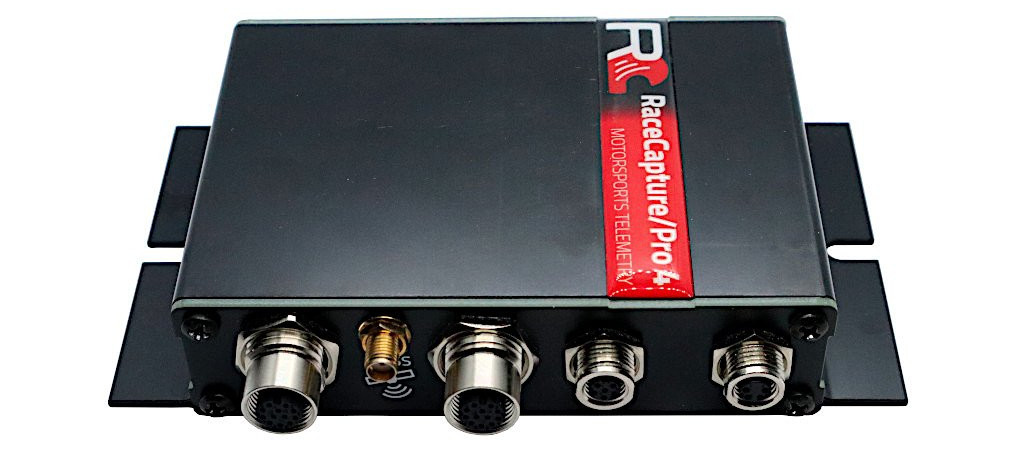
The Pro MK4 is a more sensor-oriented logger with two CAN 2.0 buses, an external GNSS antenna, inertial sensors and microSD storage. Its specification lists eight external 0–5 V analogue inputs plus supply voltage, four digital I/O channels and four timer/RPM inputs. Wi-Fi and Bluetooth are integrated; 4G LTE telemetry is an option. Confirm the unit's fitted hardware, antenna, SIM, plan and regional network support. The documentation lists a maximum 10 Hz cellular telemetry rate, distinct from higher rates supported by sensor inputs; not every recorded channel is necessarily sent at its local rate.
PodiumConnect/Micro
PodiumConnect/Micro is designed to connect an existing data system to Podium. The manufacturer documents one CAN 2.0 bus, software-controlled termination, local recording, and streaming through a supplied-by-user Wi-Fi hotspot; it is not the same as an integrated cellular modem. Its guide provides data-system integration instructions including AiM, MoTeC and VBOX. Check the precise source device, available broadcast channels, cable, GPS data and configuration. Its stated maximum telemetry sample rate is 10 Hz, while local logging can use different rates.
PodiumConnect MK2
The PodiumConnect MK2 is a discontinued earlier interface with two CAN buses and local SD logging. The product page includes cellular specifications and compatible source examples, but its regional modem and network statements differ within the page; confirm the actual fitted variant and current network support before acquiring or using an older unit. The manufacturer suggests Micro or RaceCapture/Track as more modern alternatives.
Expansion and vehicle connections
The AnalogX sensor expander broadcasts four 0–5 V analogue inputs over CAN for a suitably configured receiving device. Raw voltage still needs appropriate scaling or calibration. Autosport Labs publishes a CAN integration guide; check the ECU protocol, bus speed, termination, power, harness, and channel mapping for the actual installation. An OBD-shaped connector or CAN-capable product does not establish that all desired channels are available.
Recording, live telemetry and analysis
RaceCapture app provides configuration, a dashboard and analysis; Podium provides online viewing and session analysis. The app guide describes uploading completed sessions and exporting plain CSV for other tools. The Track MK4 and Micro guides describe short local buffering of telemetry during network interruptions and later upload, subject to configuration. Buffer duration and software behaviour should be verified on the actual system. Distinguish a later upload from a continuous live connection.
Before a session, verify the hardware generation, GPS reception, desired ECU channels, sample rates, recording trigger, local storage, hotspot or cellular coverage, account access and service terms. Make a short test recording and compare it with the remote display. For the wider distinction between local and live systems, see In-car live telemetry and telematics and In-car datalogging and telematics.
Manufacturer information and product photographs
Autosport Labs product photographs and detailed documentation: RaceCapture/Track product page, RaceCapture/Pro MK4 introduction, PodiumConnect/Micro guide and AnalogX guide. Product imagery is credited to Autosport Labs.