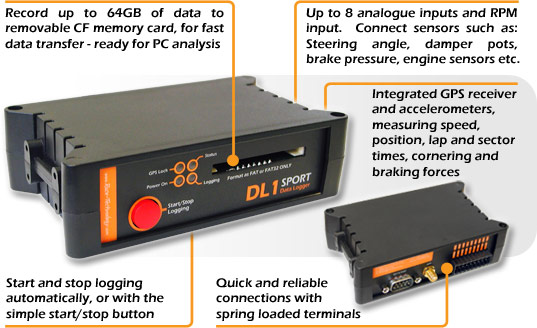
Standalone GPS and accelerometer data logger using CompactFlash storage, with analogue and RPM inputs.
Specifications and capabilities
The manufacturer describes 5 Hz GPS, a three-axis accelerometer and eight analogue inputs. Storage-card compatibility and interface options depend on the unit. Manufacturer specifications and documentation.
Data analysis software
Stop logging and load the .RUN file from the CompactFlash card into Race Technology Analysis to inspect graphs, track maps and laps. Manufacturer documentation.

Download Race Technology software for Windows. Check the current version and any licence or hardware requirements; some advanced functions require a unit-linked licence. See the Race Technology software overview for features and licensing.
Pinouts and cabling
Data connector pin assignments; consult the manufacturer for the precise connector view and any hardware revisions.
| Pin / terminal | Function |
|---|---|
| 1 | Not connected |
| 2 | RS232 RX |
| 3 | RS232 TX |
| 4 | Not connected |
| 5 | Ground |
| 6 | Not connected |
| 7 | +12 V output, 50 mA maximum |
| 8–9 | Not connected |
Rear terminals include A1–A8, RPM inputs, trigger, lap, power and a 5 V sensor reference. Do not substitute the DL1 CLUB data-port pinout.
Manufacturer connection reference.
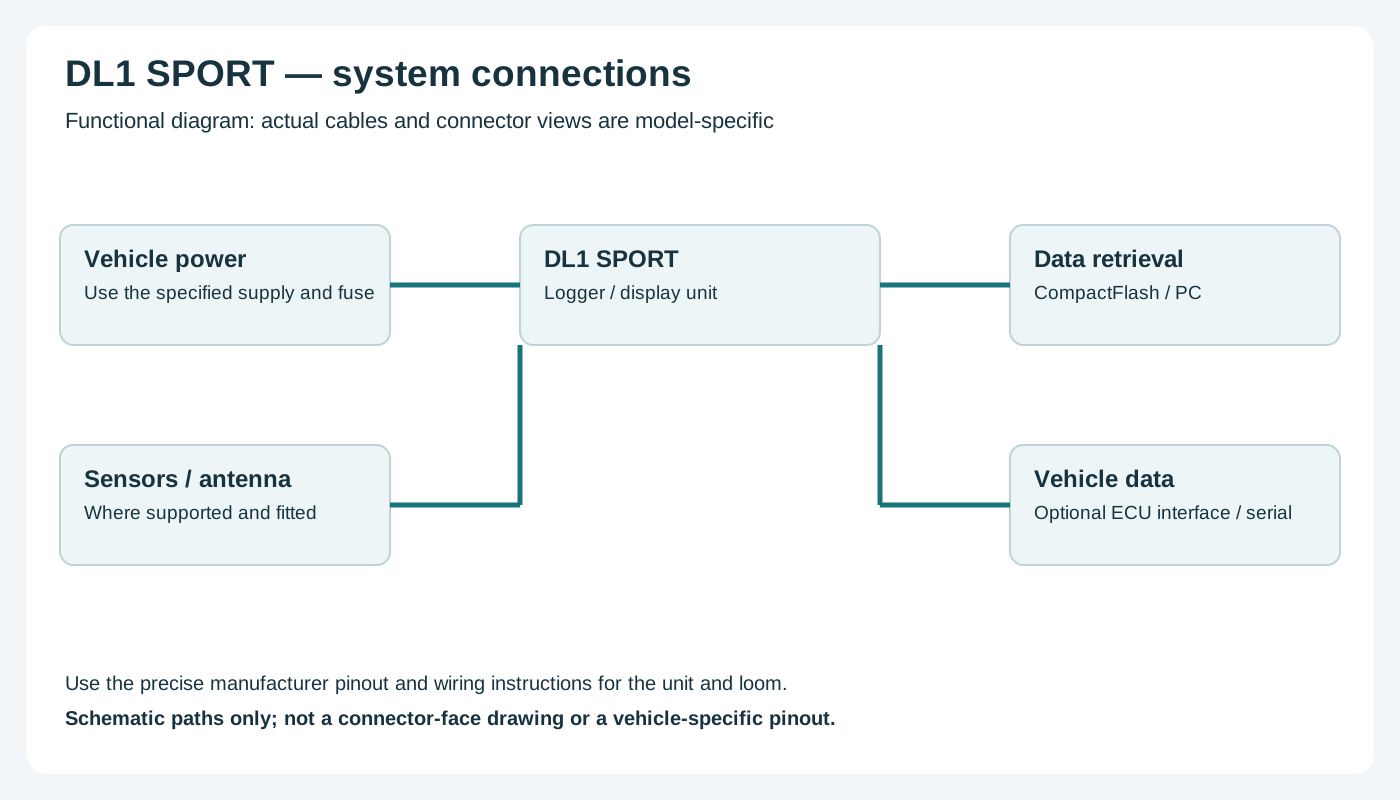
Check the connector number, version and options on the actual unit against the manufacturer's documentation before wiring. Disconnect power before changing connections.
Wiring overview
Return to the Race Technology manufacturer page.