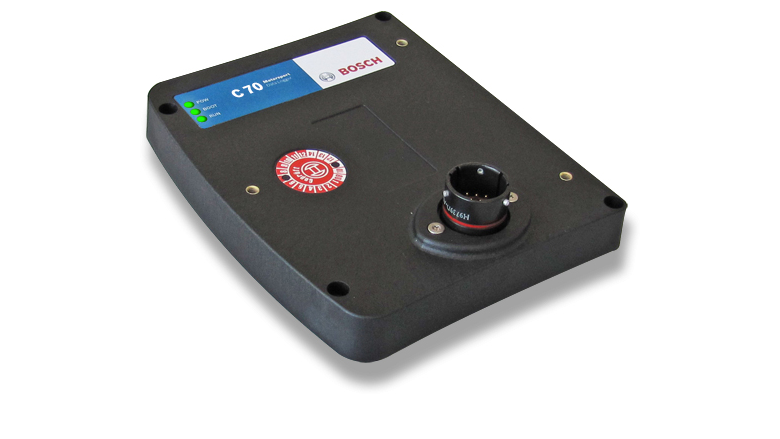
C 70 is a standalone logger with 4 GB internal memory, up to 1,500 channels and 1 ms sampling interval; 12 additional analogue inputs, USB recording, CCP/XCP and a second partition are optional. Bosch identifies four analogue inputs and four speed inputs in the basic hardware. Bosch C 70 product specification.
Data analysis software

Bosch lists the C 70 among WinDarab-supported devices. Use WinDarab V7 on a PC to examine downloaded logged channels, compare measurements and review traces. The available channels and transfer method depend on the C 70's configuration and enabled options. Bosch supported devices.
WinDarab V7 download, documentation and edition information. RaceCon is a separate configuration tool for compatible devices. See the Bosch Motorsport software overview.
Connector and pinout
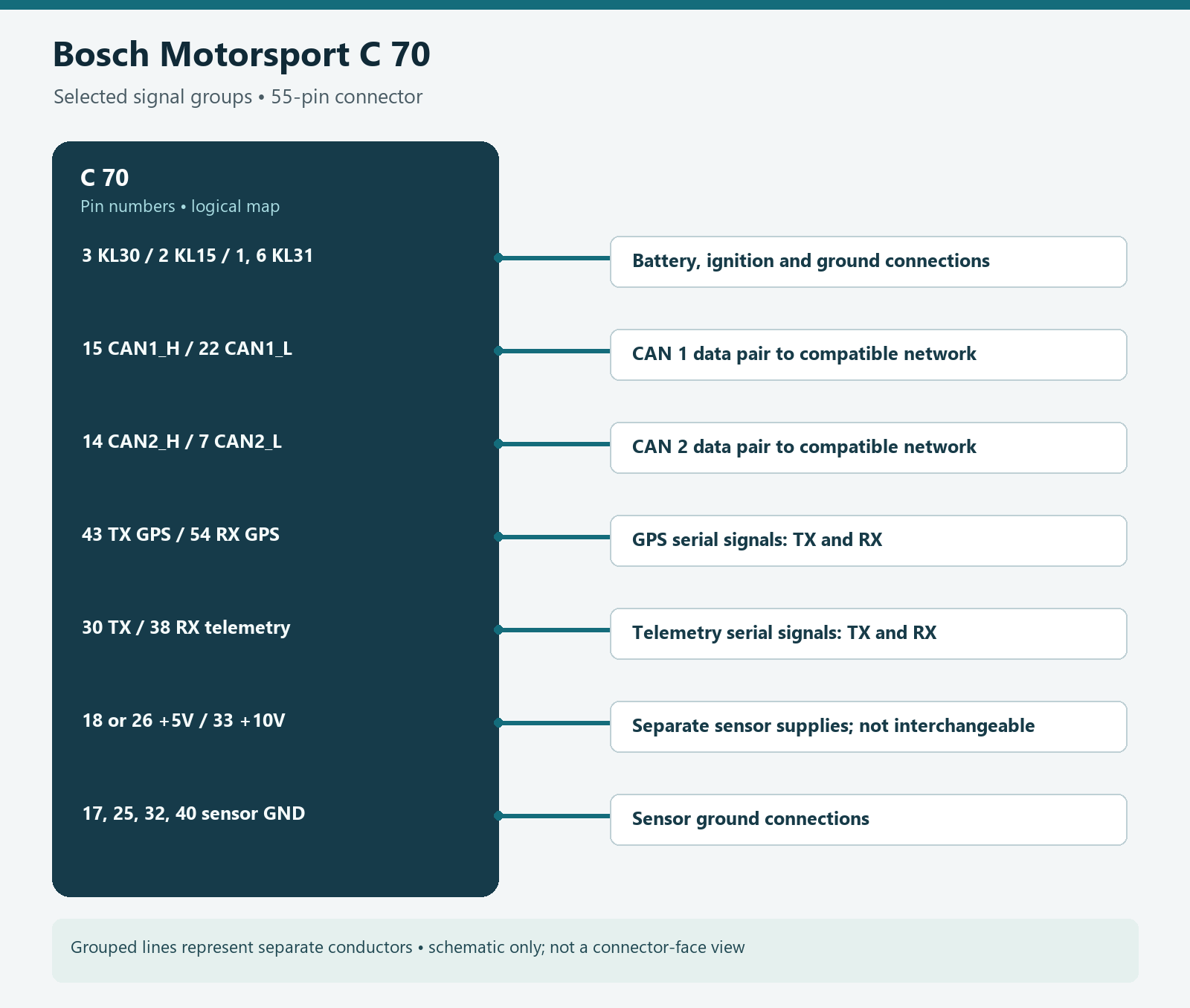
Logger connector AS216-35PN, mating AS616-35SN. Availability below indicates the applicable option, not an assurance that it is enabled on the unit. Bosch C 70 pin configuration.
| Pin | Signal (Bosch designation) | Availability |
|---|---|---|
| 1 | KL_31 | Included |
| 2 | KL_15 | Included |
| 3 | KL_30 | Included |
| 4 | Rev_In_3 | Included |
| 5 | Rev_In_1 | Included |
| 6 | KL_31 | Included |
| 7 | CAN_2_L | Included |
| 8 | Ethernet_2_TXP | Included |
| 9 | Ethernet_2_TXN | Included |
| 10 | Sens_Power_12V | Included |
| 11 | Rev_In_4 | Included |
| 12 | Rev_In_2 | Included |
| 13 | Laptrigger_In | Included |
| 14 | CAN_2_H | Included |
| 15 | CAN_1_H | Included |
| 16 | Ethernet_2_RXP | Included |
| 17 | Sens_Gnd_4 | Included |
| 18 | Sens_Power_5V | Included |
| 19 | ANA_IN_3 | Included |
| 20 | ANA_IN_4 | Included |
| 21 | Time_Sync | Included |
| 22 | CAN_1_L | Included |
| 23 | Com_screen | Included |
| 24 | Ethernet_2_RXN | Included |
| 25 | Sens_Gnd_3 | Included |
| 26 | Sens_Power_5V | Included |
| 27 | ANA_IN_7 | Optional |
| 28 | ANA_IN_1 | Included |
| 29 | USB_Device_DP | Optional |
| 30 | RS232_TX_Telemetry | Included |
| 31 | Ethernet_1_TXP | Included |
| 32 | Sens_Gnd_2 | Included |
| 33 | Sens_Power_10V | Included |
| 34 | ANA_IN_8 | Optional |
| 35 | ANA_IN_10 | Optional |
| 36 | USB_Device_Gnd | Optional |
| 37 | USB_Device_DN | Optional |
| 38 | RS232_RX_Telemetry | Included |
| 39 | Ethernet_1_TXN | Included |
| 40 | Sens_Gnd_1 | Included |
| 41 | ANA_IN_11 | Optional |
| 42 | ANA_IN_9 | Optional |
| 43 | RS232_TX_GPS | Included |
| 44 | ANA_IN_16 | Optional |
| 45 | USB_Device_Power | Optional |
| 46 | Ethernet_1_RXP | Included |
| 47 | ANA_IN_12 | Optional |
| 48 | ANA_IN_6 | Optional |
| 49 | ANA_IN_2 | Included |
| 50 | ANA_IN_13 | Optional |
| 51 | ANA_IN_15 | Optional |
| 52 | Ethernet_1_RXN | Included |
| 53 | ANA_IN_5 | Optional |
| 54 | RS232_RX_GPS | Included |
| 55 | ANA_IN_14 | Optional |
Installation and related information
Confirm the precise model, hardware revision, enabled options and manufacturer's wiring diagram before connecting. Use correct power protection, sensor limits and the chosen ECU protocol; a compatible connector does not guarantee compatible data. Configure in the appropriate Bosch software and verify a short recording or connection. See the Bosch Motorsport manufacturer overview.