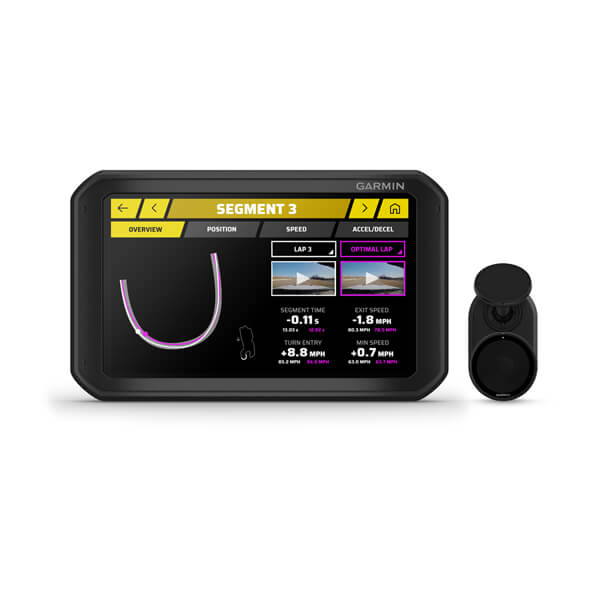
The original Garmin Catalyst combines a driver display, GNSS-based track analysis and a wired Remote Cam for lap comparisons and audible coaching. It is a track-driving coaching system rather than a sensor-rich ECU logger. Garmin product introduction.
Session analysis software
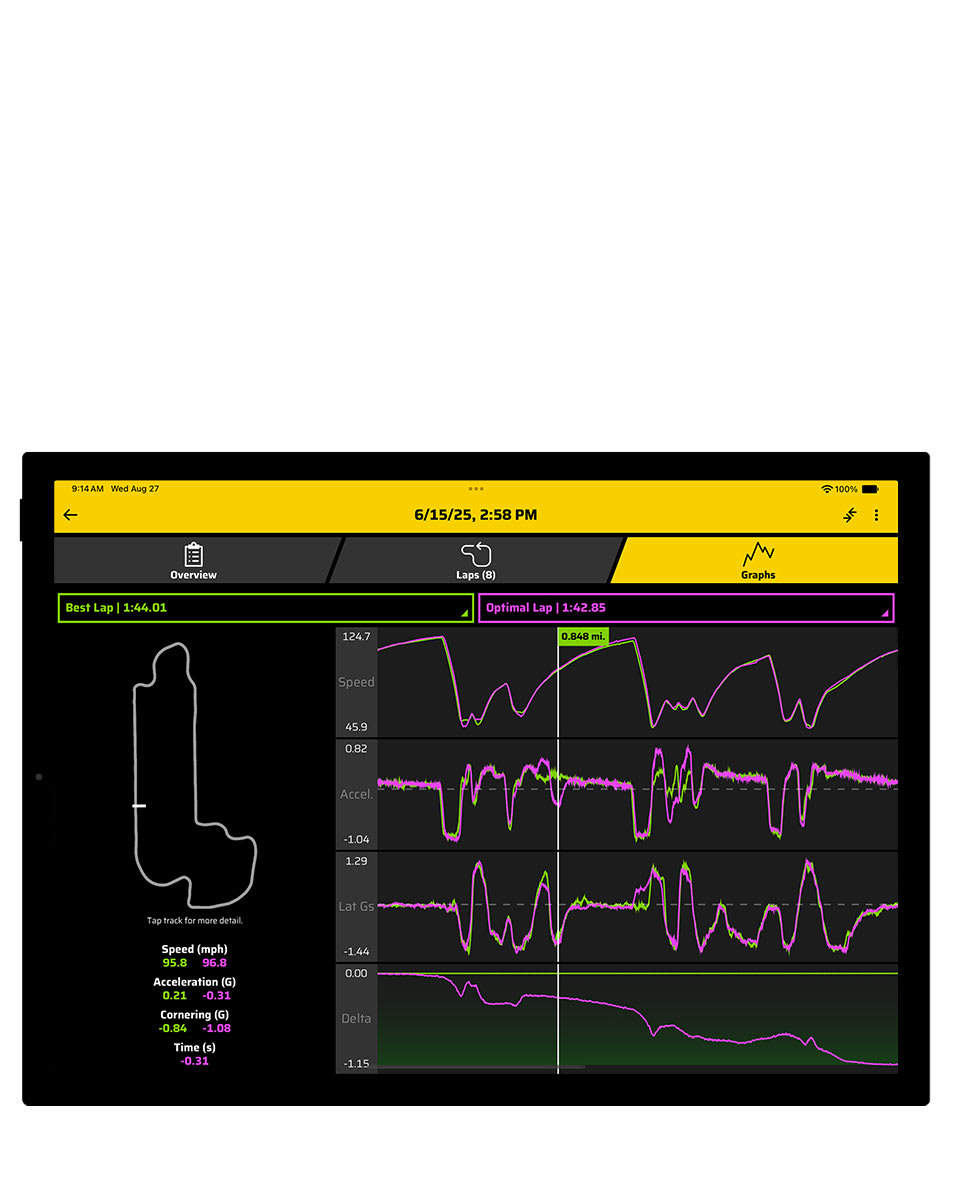

Review sessions, laps, segments, opportunities and recorded video on the original Catalyst device. Some session data can also sync to the Garmin Catalyst app. Garmin says this model's session data cannot be exported as CSV or VBO. The illustration shows the app with Catalyst 2, so do not assume that every illustrated feature is available for the original device. Garmin session data information; original Catalyst app guide.
Download the Garmin Catalyst app from the Apple App Store or Google Play. Check Garmin's current phone and tablet requirements. See the Garmin manufacturer guide for the differences between generations.
Specifications and data
The Remote Cam records 1080p video at 30 fps; lap and segment analysis combines position, movement and video. The powered mount supplies the camera during a drive: the display battery alone does not provide a complete recording setup. Garmin states that the original Catalyst does not acquire OBD-II vehicle data. Garmin video specifications; Garmin OBD-II answer.
Connections and wiring

The Remote Cam connects via its micro-USB port and the supplied long camera cable to the USB port on the powered magnetic mount. The mount uses the supplied vehicle power arrangement. The short computer cable is a separate item. See Garmin's camera-cable instructions and cable identification.
Garmin's device overview identifies a 14-contact magnetic mount interface, but does not publish its individual pin functions. No CAN or ECU pinout should be inferred. On the model's supplied bare-wire power adapter, red is 10–30 V DC input and black is system ground; these colours are specific to that adapter. Follow Garmin’s installation instructions and use the correct fused adapter.
See the Garmin manufacturer guide for comparison with Catalyst 2.