Overview
RACELOGIC's VBOX Motorsport range uses satellite positioning for circuit driving, driver coaching and motorsport analysis. Different models add vehicle data, a driver display or synchronised video. Video VBOX products record the data used in the video overlay as well as footage for later comparison. Features vary by model and hardware generation; check the exact part number before specifying a system. [1]
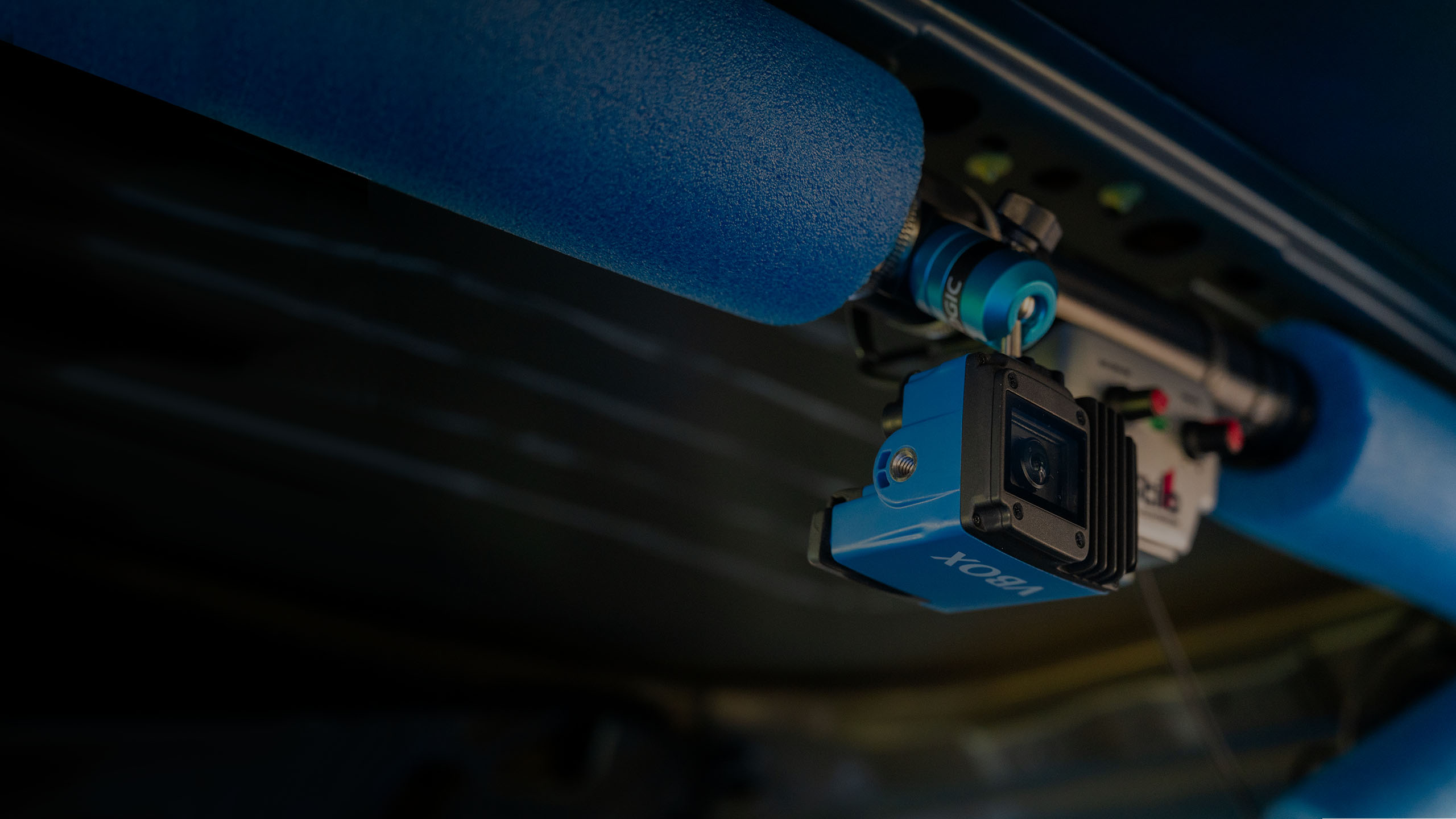
Manufacturer photographs: VBOX Video HD1 · VBOX Video HD2 and analysis software. Images: RACELOGIC / VBOX Motorsport; rights remain with the manufacturer.

Models
VBOX LapTimer and Mini LapTimer
The VBOX LapTimer family combines a driver display with GNSS data logging to an SD card. It provides lap timing, position-based predictive delta time and speed comparison LEDs; data can be reviewed in Circuit Tools after the session. The manufacturer lists the Mini LapTimer at 10 Hz and current LapTimer S and R versions at 25 Hz, with side and rear connectors respectively. Hardware generations differ: check the part number and manual. The LapTimer is not itself a Video HD1 or HD2 camera system. The product page also contains RACELOGIC photographs. LapTimer S datasheet.
VBOX Video HD1
HD1 integrates a single video camera, GNSS antenna and recorder in a compact vehicle-powered unit. It records 1920 × 1080 video at 30 frames per second and 25 Hz multi-constellation GNSS data, with an overlay including lap times, position, speed and g-force. It has two isolated CAN interfaces supporting CAN 2.0 and CAN FD, and can log up to 80 CAN channels. Speed-triggered recording, an HDMI output and optional predictive lap timing display are available. Circuit Tools 3 is included. [2] [1]
VBOX Video HD2 / HDMI
HD2 accepts two camera inputs and synchronises 1080p30 video with position and vehicle data; the current 25 Hz version supports a customisable overlay and up to 80 CAN channels. The optional OLED display provides predictive lap timing. HDMI is provided on the HDMI variant. Older versions of HD2 used 10 Hz GNSS; identify the hardware version and consult the appropriate manual and datasheet rather than assuming all units have 25 Hz or HDMI. [3] [4] [5]
Live video with HD2 HDMI
The HD2 HDMI variant can output real-time video and audio to an HDMI-compatible monitor, recorder or separate streaming device. RACELOGIC describes using a LiveU Solo HDMI encoder to transmit HD2 video to remote viewers, including back to the pits. This requires the HDMI-equipped HD2, suitable cable, separate encoder, network connectivity and relevant service arrangements. HDMI output alone is not an internet connection or a remote numeric telemetry feed. Coverage, network capacity and delay affect a live stream; the locally recorded data and video can also be reviewed later. Check the HD2 product information for compatible firmware and setup software and confirm event rules before transmitting.
Analysis and setup
Circuit Tools allows comparison of laps, position on track, sector and delta times, and synchronised video. Use speed traces and available brake, throttle and gear channels to investigate where time was gained or lost. HD1 is configured using VBOX Video Setup and offers phone-based camera preview; HD2's setup software configures the logger, CAN channels and overlay layout. The capabilities of an analysis installation may vary by software version. [2] [6]
Vehicle data and installation considerations
- Position, speed and lap timing come from GNSS; engine speed, throttle, brake pressure and other vehicle parameters need an appropriate source and a correctly configured interface. A listed channel is not proof that a particular vehicle or ECU broadcasts it. [3]
- Confirm the vehicle's CAN protocol, supported channels, wiring, bitrate, and the logger's hardware version before purchase or connection. HD1 has CAN FD; HD2 capabilities and available accessories depend on version. [2] [4]
- RACELOGIC describes connecting HD2 to AiM dashboards and to MoTeC equipment, with model-specific wiring and setup. Read its integration guidance and check the channel configuration. [3]
- Mount and secure the equipment and antenna in accordance with manufacturer guidance and the event or series rules. Confirm recording, satellite reception and channel scaling with a stationary and low-speed check before relying on a session.