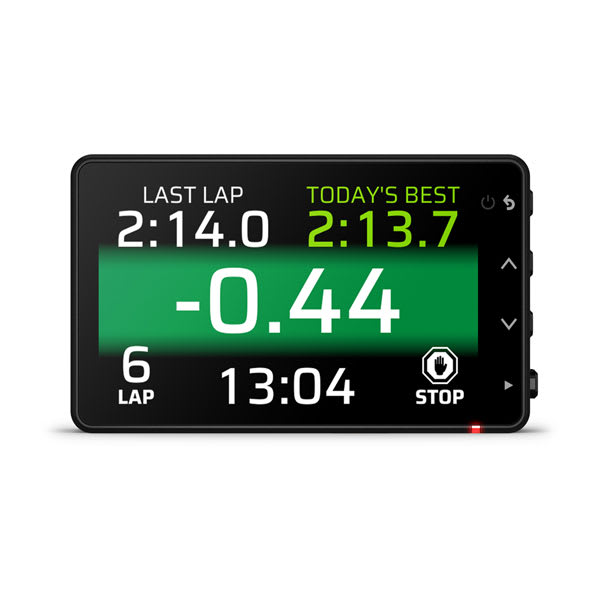
Garmin Catalyst 2 combines an integrated camera and display with GNSS, inertial sensing and driver coaching for circuit analysis. Garmin product announcement.
Session analysis software
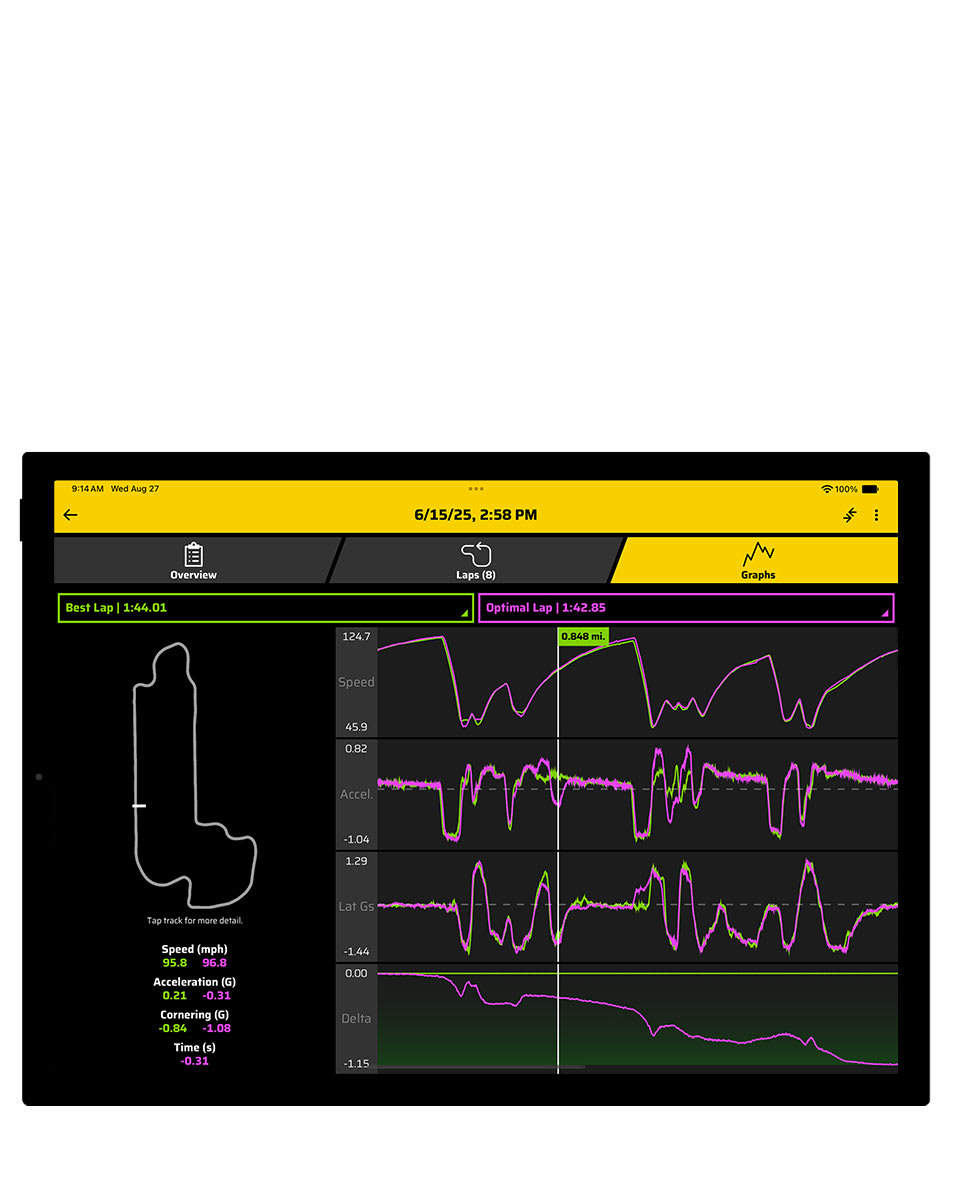

The Garmin Catalyst app is required for viewing Catalyst 2 recorded videos and detailed performance data. Pair a compatible phone or tablet, transfer the session and review lap times, graphs and coaching opportunities; Garmin describes Bluetooth for session information and direct Wi-Fi for video. Catalyst 2 app guide.
Download the Garmin Catalyst app from the Apple App Store or Google Play. Check Garmin's current phone and tablet requirements. See the Garmin manufacturer guide for the differences between generations.
Specifications and recording
The manufacturer describes a 3-inch display, 1440p video at 30 fps, 25 Hz multi-GNSS and inertial sensors. Video is stored on a compatible microSD card. The Catalyst app supports reviewing session data and transferring video; features can change with software. Garmin video specifications; Garmin positioning explanation; Catalyst app guide.
Connections and wiring

Use the included vehicle adapter and USB-C power cable as shown in the Catalyst 2 installation guide. Garmin specifies a 12–24 V DC input for the vehicle adapter and approximately 5 V USB output. Do not apply vehicle voltage directly to USB; Garmin says a vehicle USB port may not provide sufficient power. Garmin power specifications.
The cited Garmin guides do not provide an ECU/CAN connector pinout or establish live pit-wall telemetry. The diagram is a cable path, not a numbered connector-face pinout. Verify required functions and accessory compatibility for the exact software and hardware.
See the Garmin manufacturer guide for the original Catalyst.