ECM Titanium is Alientech’s PC calibration editor. It opens a file read from an engine or transmission ECU and uses a matching Driver to identify and describe the maps available for editing. A Driver is a definition for the file, not a replacement for an ECU programming interface.
Working with Drivers
The software identifies an uploaded original and suggests an available Driver. Its map descriptions include conversion information so stored data can be presented as understandable values. Actual coverage depends on the exact binary and Driver: check that the offered maps, axes and units match the job. Alientech says a Driver may be requested if one is missing.
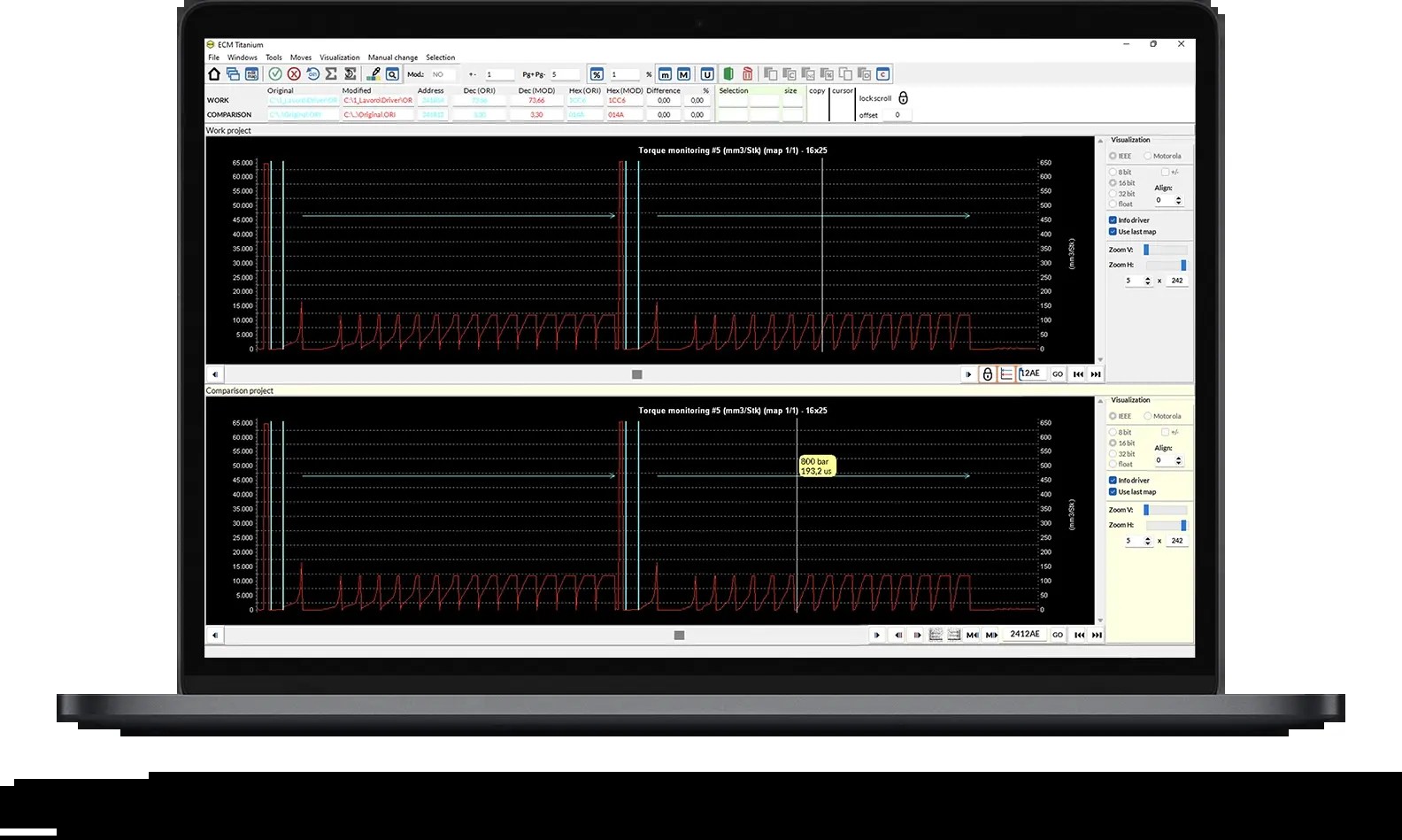
Table, 2D, 3D and hexadecimal views offer different ways to inspect a calibration. Tables expose individual values, graphs help show trends, and the hexadecimal view gives a lower-level look at the file. ECM Titanium also supports comparing files and copying sections, which can help review a modification; transferred changes still need to be checked against the destination file.
Access and workflow
Alientech describes a USB key that launches the software on a PC without a conventional installation. Its Full and Credits arrangements differ in how access and services are paid for. The vendor says previously stored Drivers and files can be used offline, while account, downloads, updates and other online services have their own requirements. Check the current package and entitlement before purchasing.
- Read and preserve the original using compatible ECU hardware.
- Open the file, check the proposed Driver and inspect the relevant maps.
- Save the edited file separately and compare it with the original.
- Confirm checksum correction and use a compatible programmer for the write.
The editor does not itself read or write the ECU. Coverage of a file in a Driver database should not be confused with coverage by a particular flasher.