RaceCapture/Track MK4 is an in-car position and vehicle-data logger with remote telemetry when connected to a suitable network.
Specifications and operation
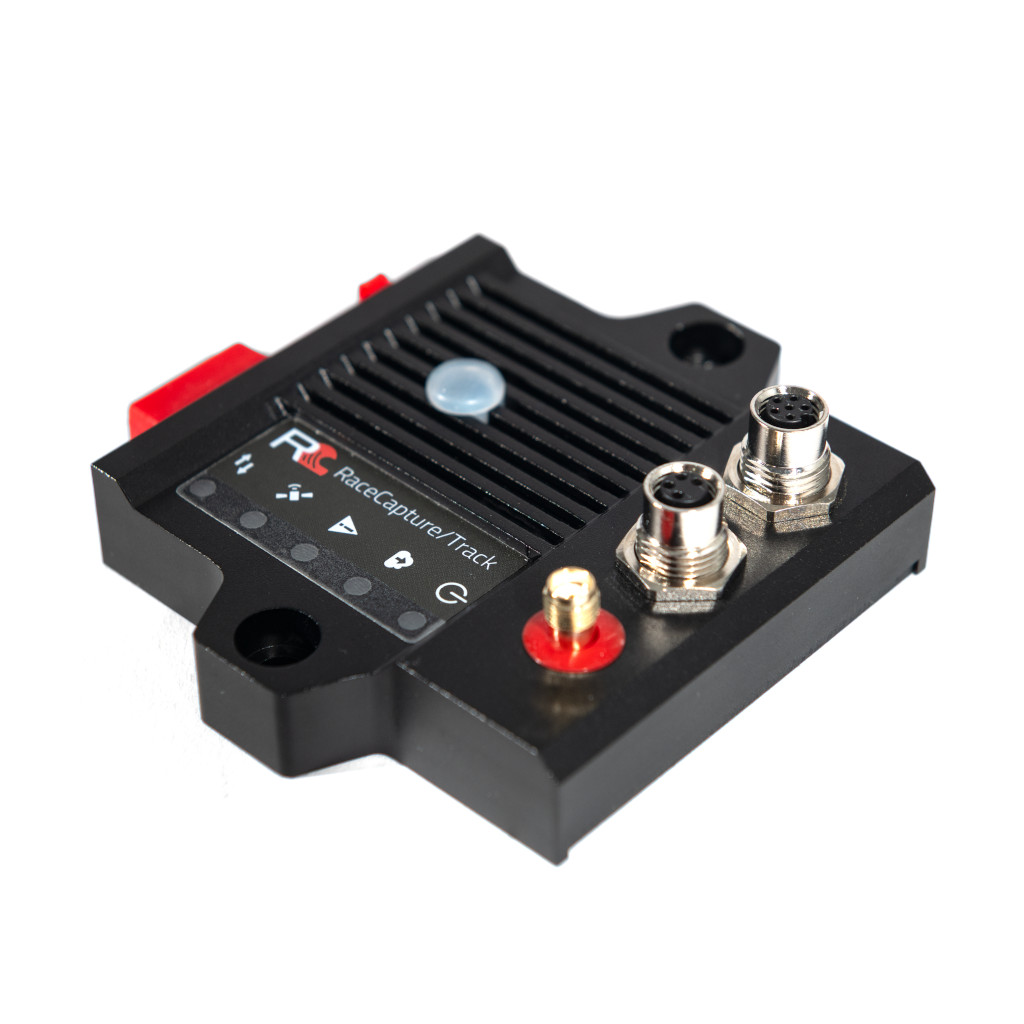
A compact motorsport logger and telemetry system for GPS-based lap analysis and vehicle data. Its manufacturer guide covers automatic recording, CAN/OBD connections, local analysis and live streaming. The RaceCapture app connects to the device for configuration and local dashboard viewing. To send live data to Podium, configure the unit for a 2.4 GHz Wi-Fi hotspot with internet access and enter a device streaming key. Wi-Fi access point mode on its own is a local connection, not an internet uplink.
Its supported CAN1/CAN2 and power connectors, GNSS antenna, USB configuration and telemetry setup are described in the manufacturer's Track MK4 guide. Check accessories, firmware, source channels and hotspot availability for an installation.
Data analysis software
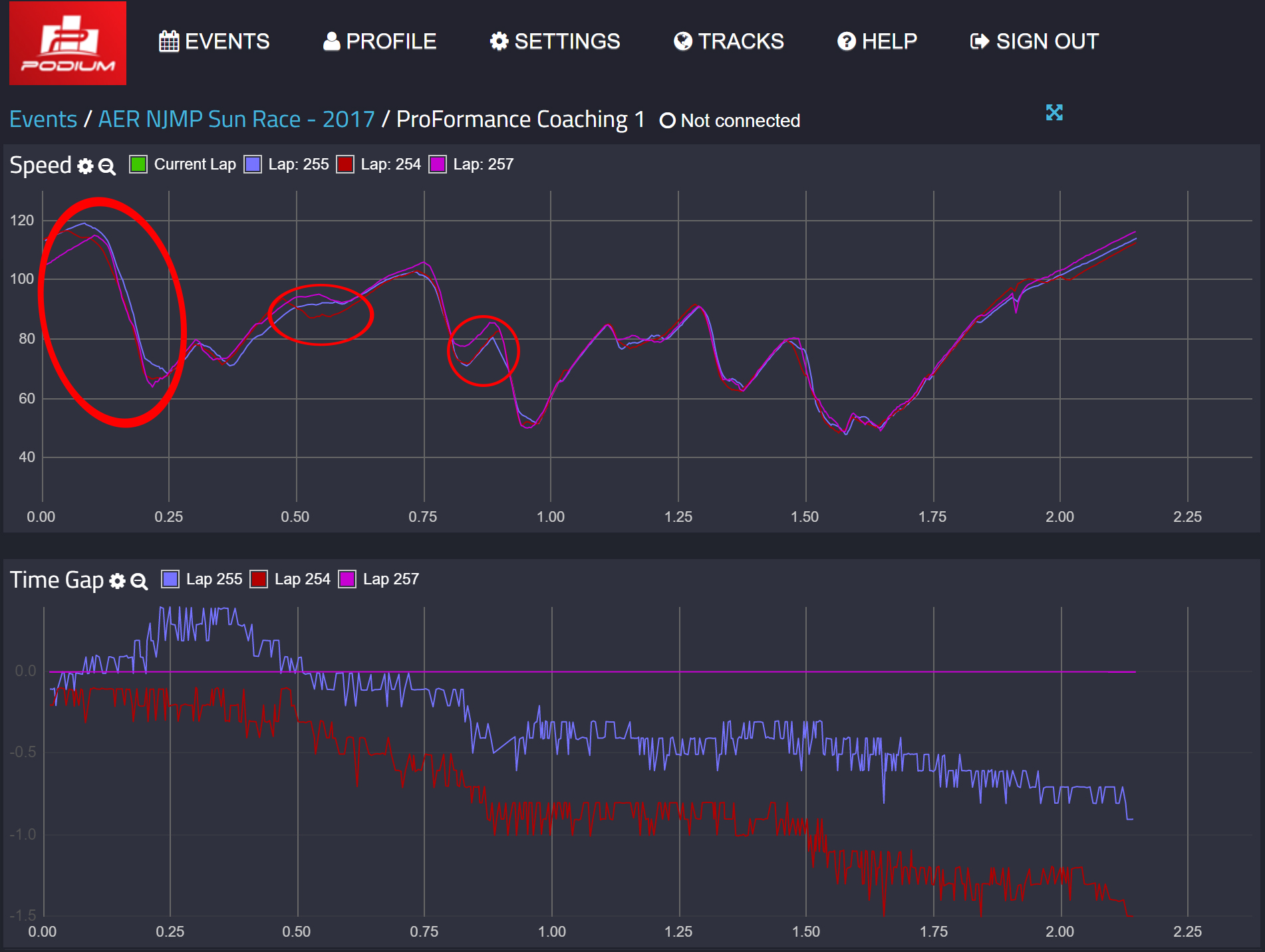

The RaceCapture app configures the Track MK4 and can review recorded sessions locally. For remote Podium streaming, the unit needs a configured compatible hotspot and an account; recorded and transmitted channels may differ. See the manufacturer model guide and RaceCapture app guide for setup and analysis. Download the RaceCapture app from Autosport Labs; Podium is the separate online telemetry and session-analysis service. For system requirements and software details see the Autosport Labs manufacturer page.
Pinouts and wiring


The Track MK4 guide and Pro MK4 installation guide list these assignments for their 4-pin CAN1/power and 6-pin CAN1/CAN2/power connectors. Power is specified as 9–24 V; the guides list 1 A (approximately 12 W at 12 V). Use suitable protection and verify the system’s power and connected-device requirements.
| M8 4-pin | Function | M8 6-pin | Function |
|---|---|---|---|
| 1 | CAN 1 low | 1 | CAN 1 low |
| 2 | Power | 2 | CAN 2 low |
| 3 | CAN 1 high | 3 | CAN 2 high |
| 4 | Ground | 4 | Ground |
| — | — | 5 | CAN 1 high |
| — | — | 6 | Power |
For the manufacturer's M8 four-pin pigtail, the colour legend is white CAN low, red power, green CAN high and black ground; do not generalise these colours to other cables. Autosport Labs describes an M8-to-OBD-II adapter for compatible vehicles and a six-pin to dual four-pin splitter for separating CAN1 and CAN2. The harness guide documents extensions, splitters, an inline terminator and the powered dual-CAN hub; a suitable additional power arrangement may be needed for peripherals. Confirm the actual vehicle protocol, channel mapping, supply and network termination rather than relying on the OBD socket shape.
Match the CAN bitrate and channel mapping to the ECU or data system, verify CAN high and low, and configure termination for the existing network rather than automatically adding another resistor. The manufacturer CAN integration guide describes model-specific termination. Use the correct GPS and, if fitted, cellular antenna for the device and follow its installation guide. Powered hubs, pigtails, ECU interface cables, sensors, data plans and antennas can be separate accessories depending on the kit.
See the Autosport Labs manufacturer guide.