

LT Dyno
Free software for your Dyno Developments rolling road.
A fully tested, drop-in replacement for Dyno Developments software. Keep your existing controller, hardware and calibration system—and gain modern dyno control, connected data logging and powerful analysis.
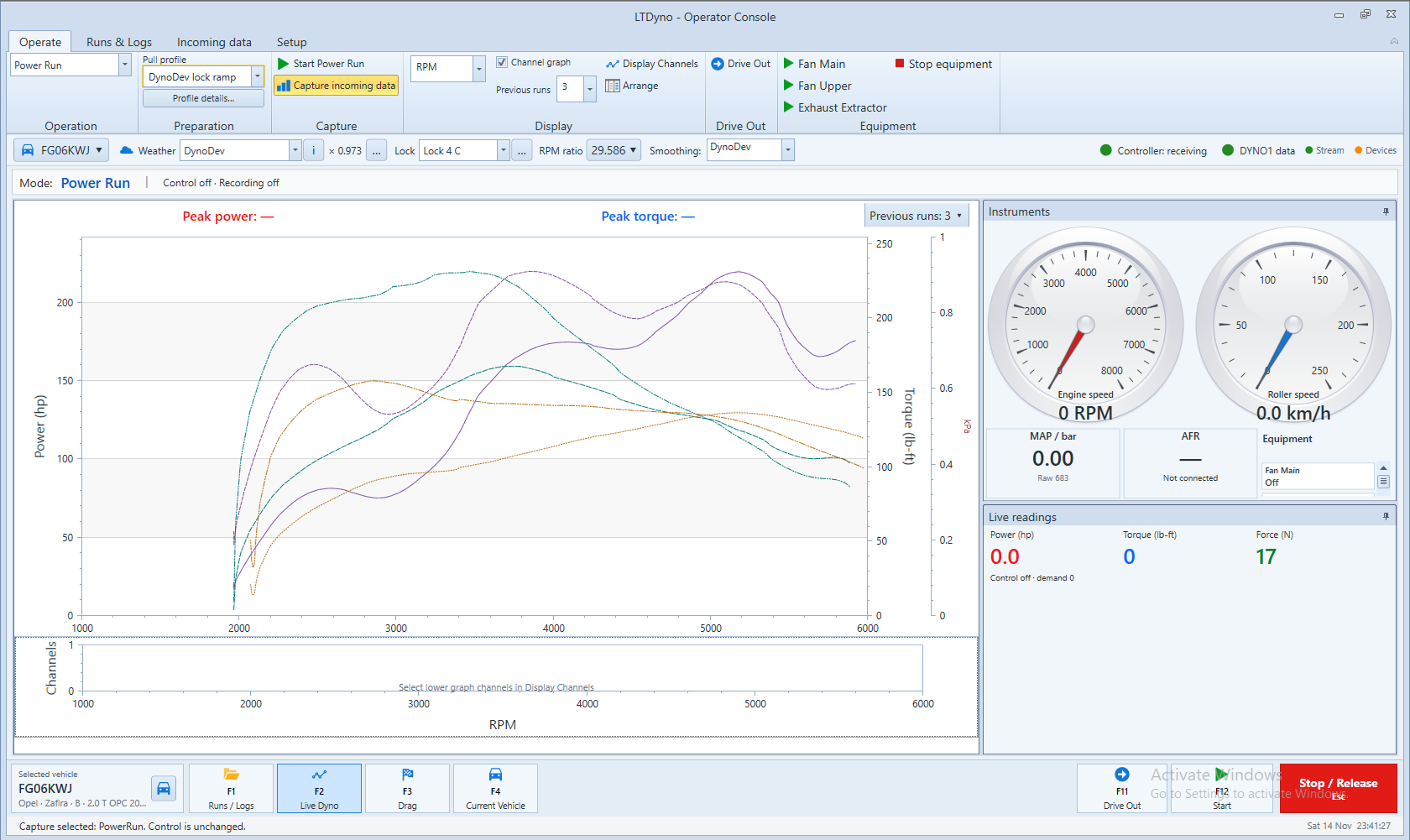
- Your existing dynoSame controller, hardware and calibration system
- Control from the carOperate the dyno using your mobile phone
- Free to useSend us a message if you are interested
A complete dyno workspace.
LT Dyno is built in our workshop for the whole job: setting up the car, running the dyno, finding problems in the data and sharing the result.
Operate your dyno
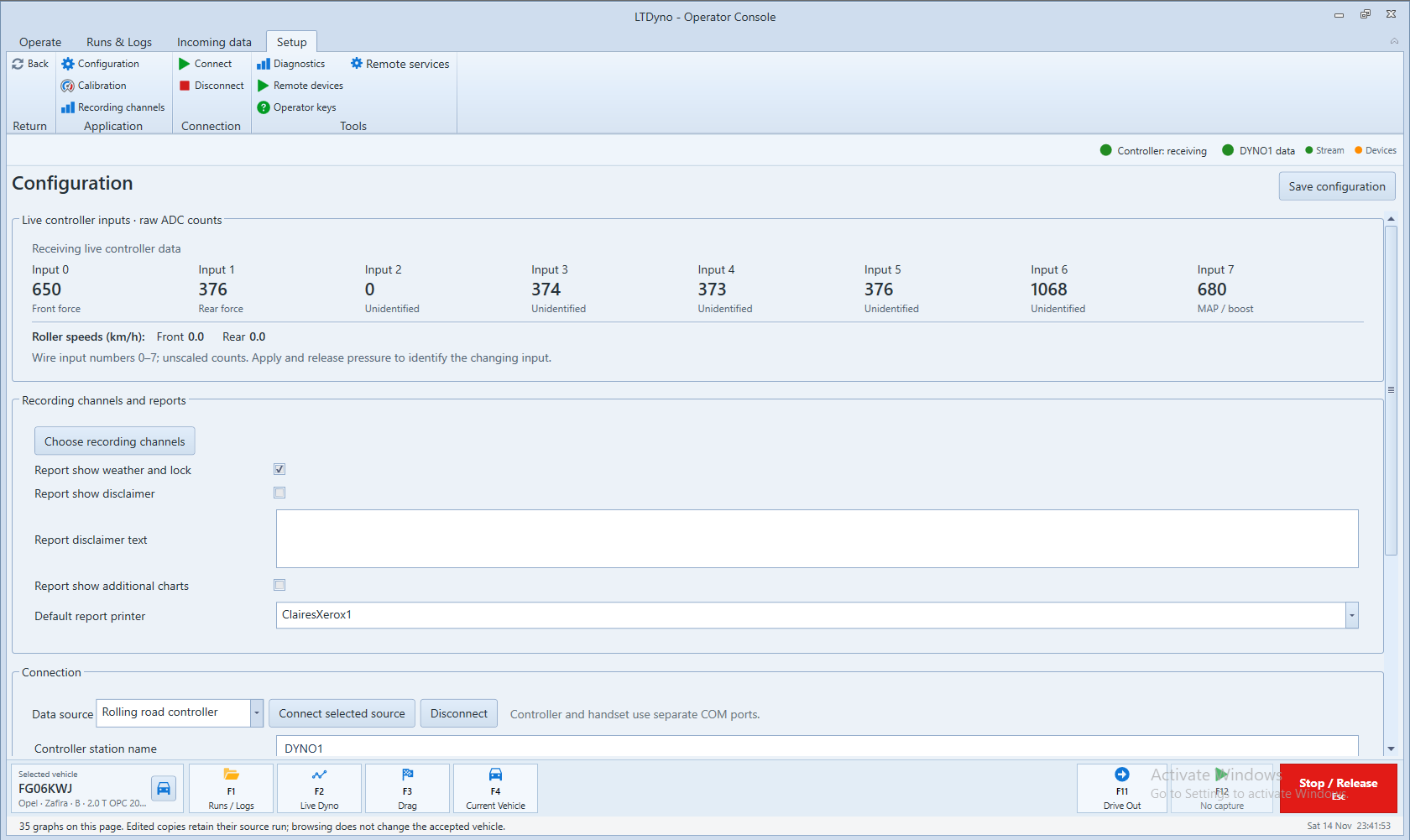
- Drop-in Dyno Developments hardware support
- Control from a phone in the car
- Power runs, steady-state, road and drag modes
- Editable lock modes and automatic RPM matching
- MQTT control for fans and other equipment
Capture and understand
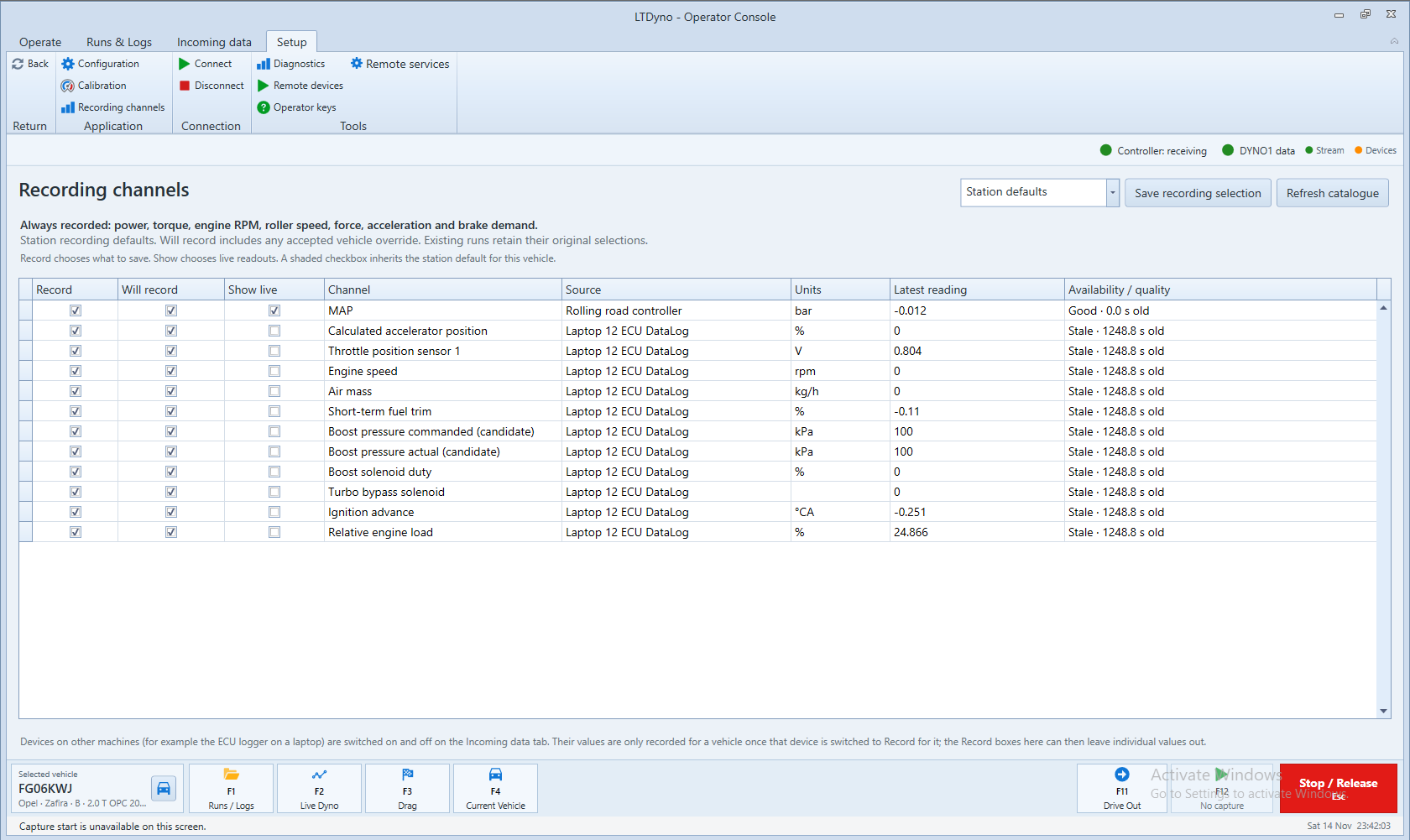
- Record dyno and external logger channels together
- Compare as many graphs as you need
- Weather correction and smoothing choices
- Drivetrain-loss calculations and slip detection
- Run notes and accepted pre/post results
Connect and share
- Registration lookup and tuning catalogue
- SQL Server, import and CSV export
- Branded reports and 3D graph images
- AI analysis through the MCP engine
- Animated graphs for video overlays
Keep the rolling road you already own.
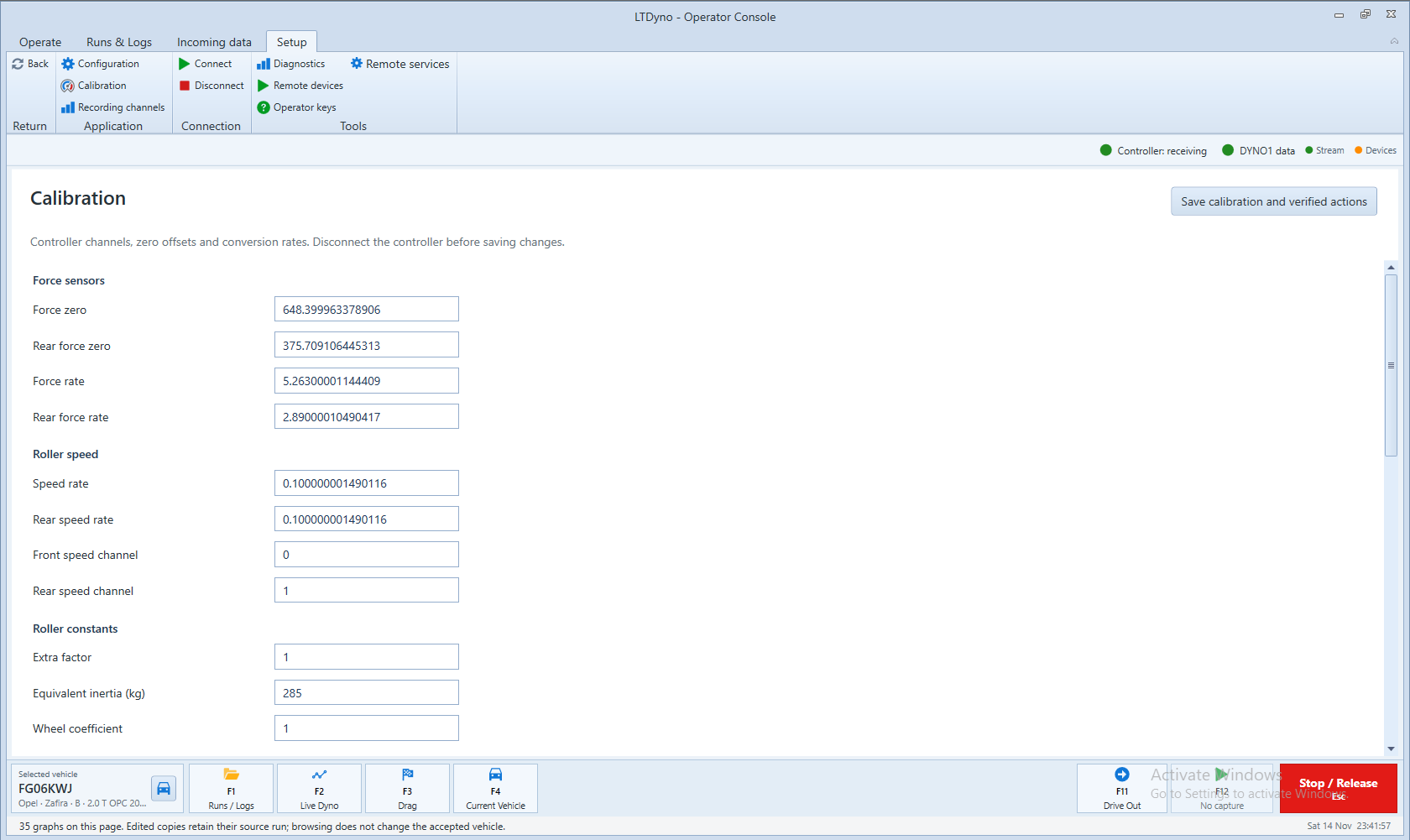
If you are looking for Dyno Development software, LT Dyno is a fully tested replacement for the original application. It fully supports the Dyno Developments controller and physical hardware, using the same calibration system without modifications to the dyno or its loading hardware.
LT Dyno is developed and used at Llandow Tuning. It supports 2WD and 4WD operating configurations on compatible, correctly configured installations.
More ways to use the rollers.
Choose the operating mode for the job, from an initial check to steady-state tuning or a simulated drive.
Monitor
Run the car on the dyno and watch live measurements.
Pre-power check
Establish the starting point before a power run.
Power run
Capture a power sweep and review the recorded channels.
Constant RPM or speed
Hold a chosen engine or road speed for steady-state work.
Road simulator
Simulate cruising using uphill, downhill and uneven road profiles.
Drag strip
Use the dedicated drag-simulation workspace.
Control from your phone
Operate the dyno while you are in the car, without relying on the original built-in remote control. Local operator priority remains part of the workflow.
Faster setup
Understand and edit lock modes. Match RPM by holding a known engine speed and confirming it, or use live RPM from a connected logger.
One place for your data.
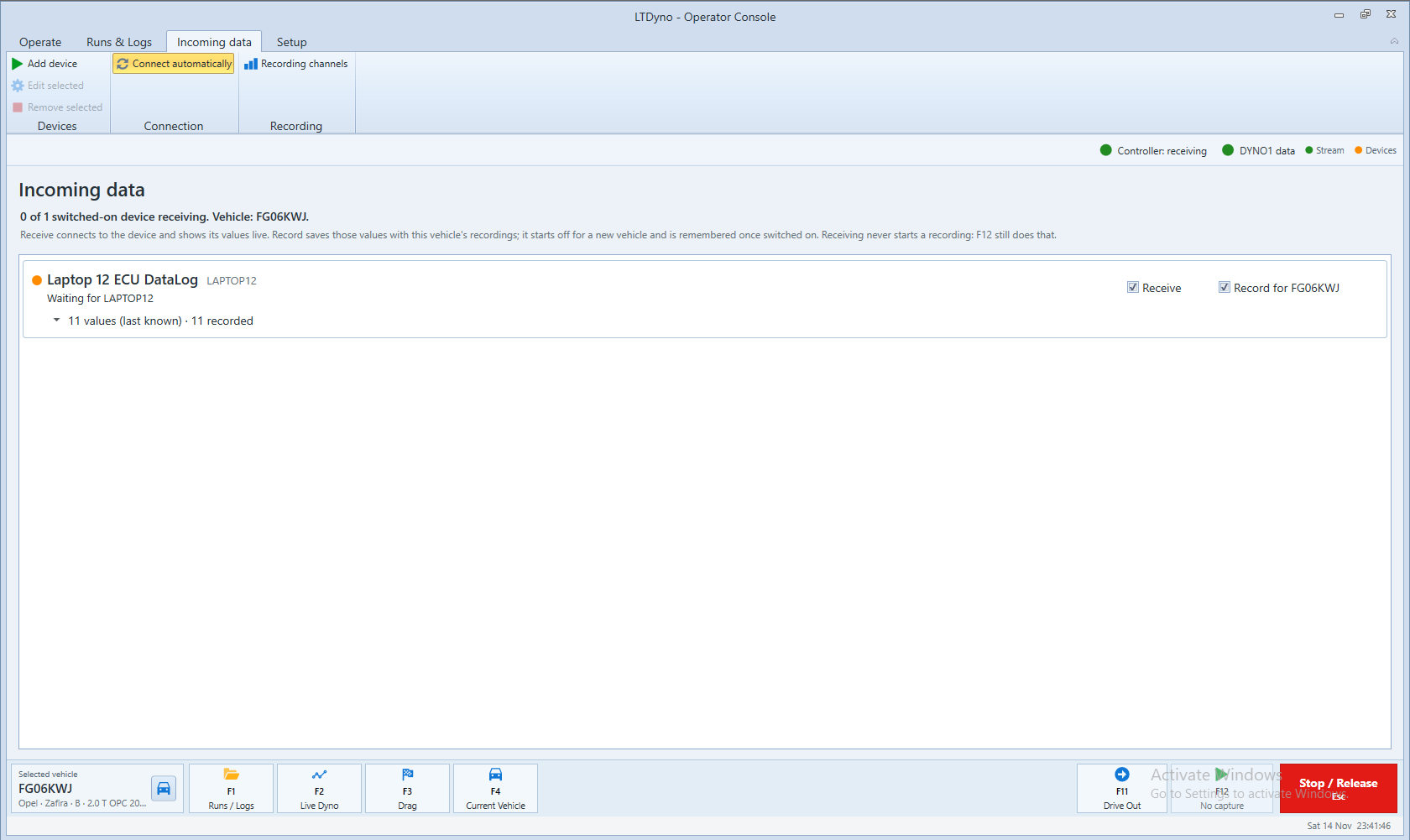
LT Dyno is more than a power-run display. Bring dyno readings and connected loggers into one recording to investigate peaks, faults and changing conditions—even when you are not doing a power run.
Connect your equipment
- Use LTNexus, Innovate, AEM and other supported data sources.
- Bring in ECU data with compatible ELM327, PassThru and BMW EDIABAS interfaces.
- Use supported ECU RAM logging through LTNexus; see its page for beta status and coverage.
Choose what to record
- Display and record selected channels, with source, units and data quality visible.
- Import data from other loggers and export recordings for further analysis.
- Use our open protocol from an Arduino, embedded device or Windows application.
Make every run useful.
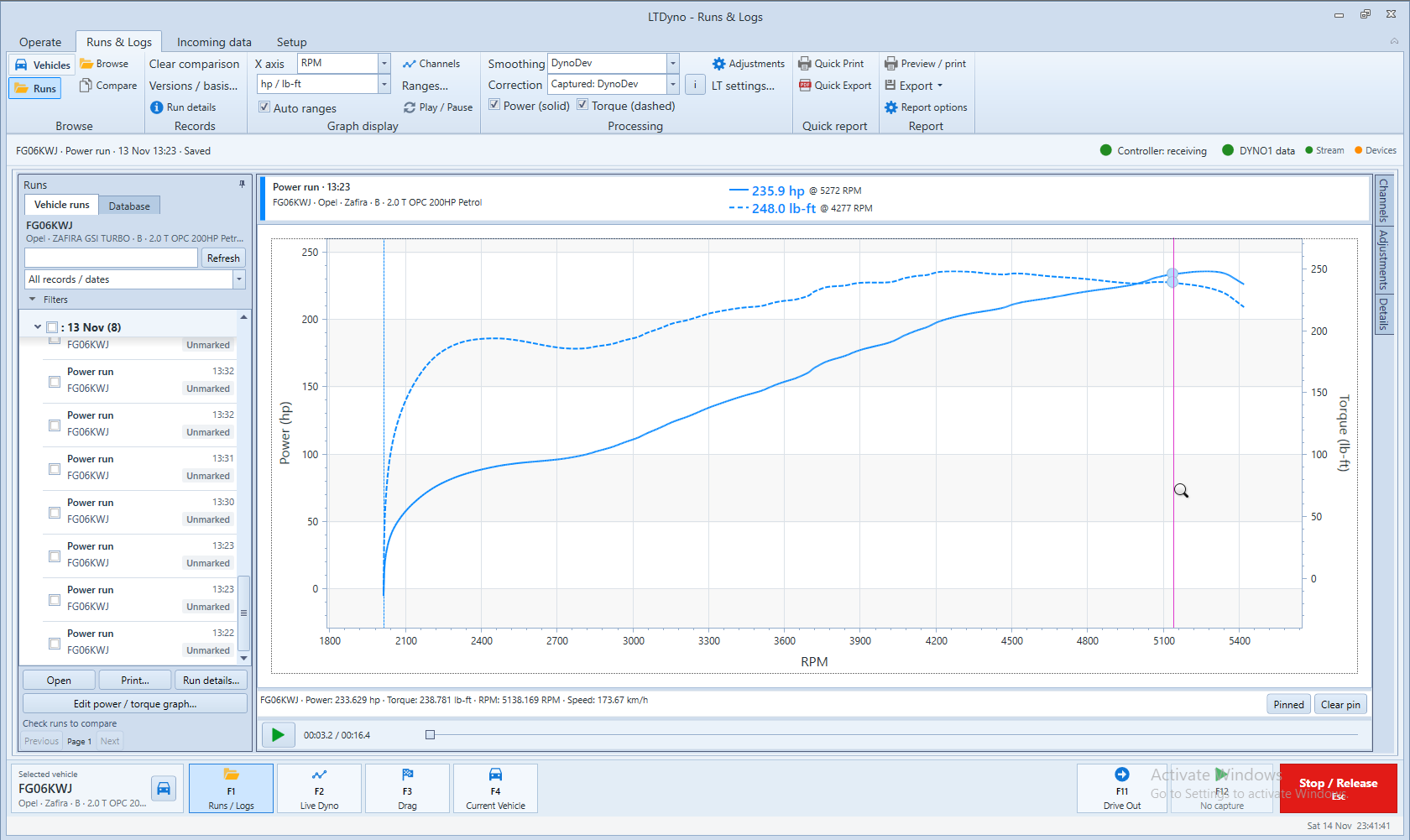
Browse the history, inspect individual recordings and overlay as many graphs as you need. Look beyond the headline number to see what happened throughout the run.
Compare with context
- Overlay power, torque and recorded channels; view against RPM, speed or available time data.
- Use DynoDev smoothing or additional profiles, including profiles that follow other standards.
- Add notes such as the file used and mark the accepted pre-tuning and post-tuning runs.
Keep a searchable history
- Use SQL Server as an alternative to an Access database for finding and comparing historical runs.
- Retain the original acquisition and each run's capture-time setup.
- Local capture storage helps work continue through a database or network interruption.
Understand the conditions behind the figures.
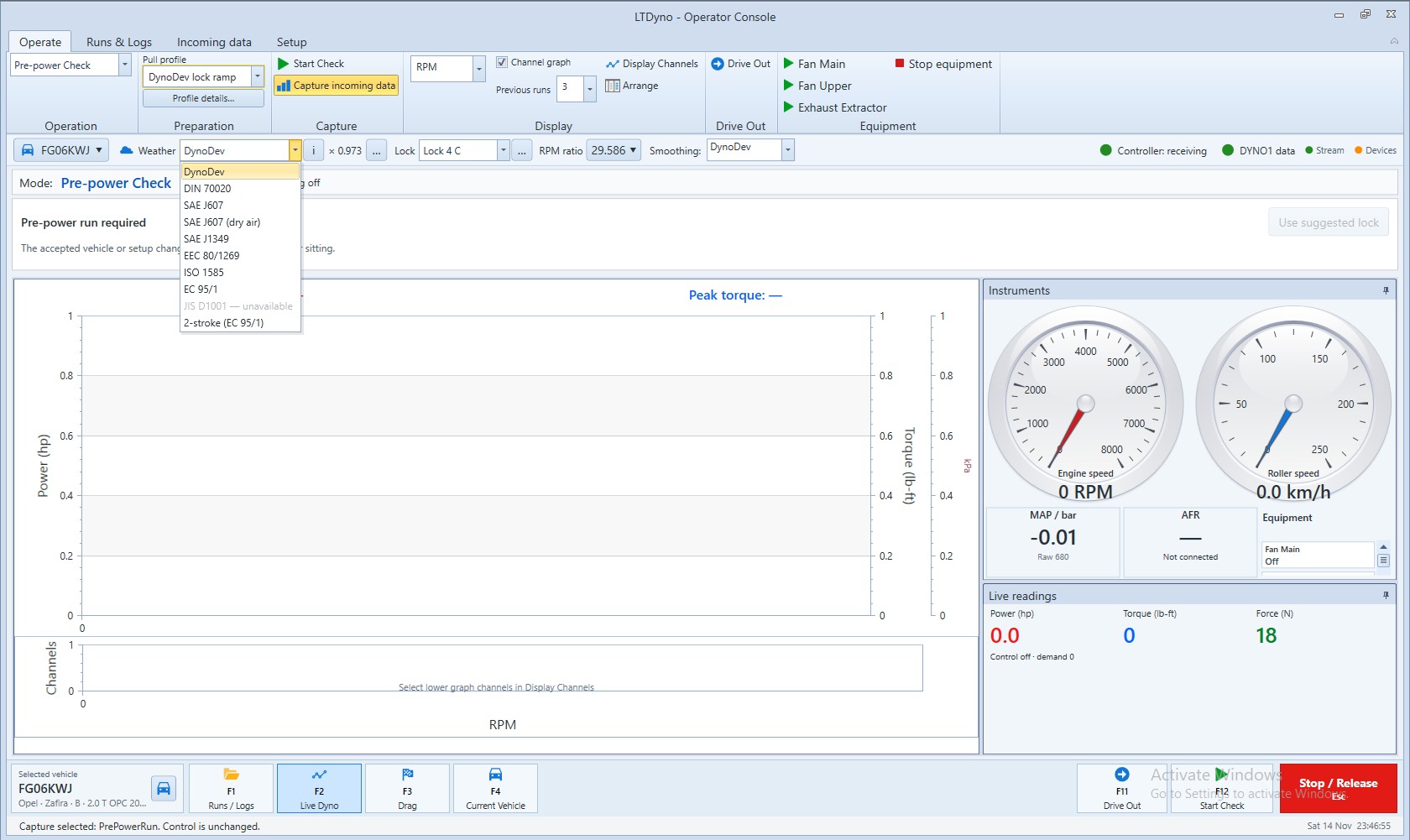
Choose the correction and smoothing you want, estimate drivetrain losses from calculations and use available data to detect slip.
Weather correction
Choose DynoDev, DIN 70020, SAE J607, SAE J607 dry air, SAE J1349, EEC 80/1269, ISO 1585, EC 95/1 or the two-stroke EC 95/1 option. Weather and atmospheric pressure can come from the car, your phone or a weather station.
Slip and drivetrain losses
Detect slip using front and rear roller readings or connected logger data. An advanced option attempts to compensate for detected slip; the result still depends on the amount of slip and the data available. Drivetrain losses are estimated using calculations rather than relying solely on a generic assumed figure.
Know which car you are working on.
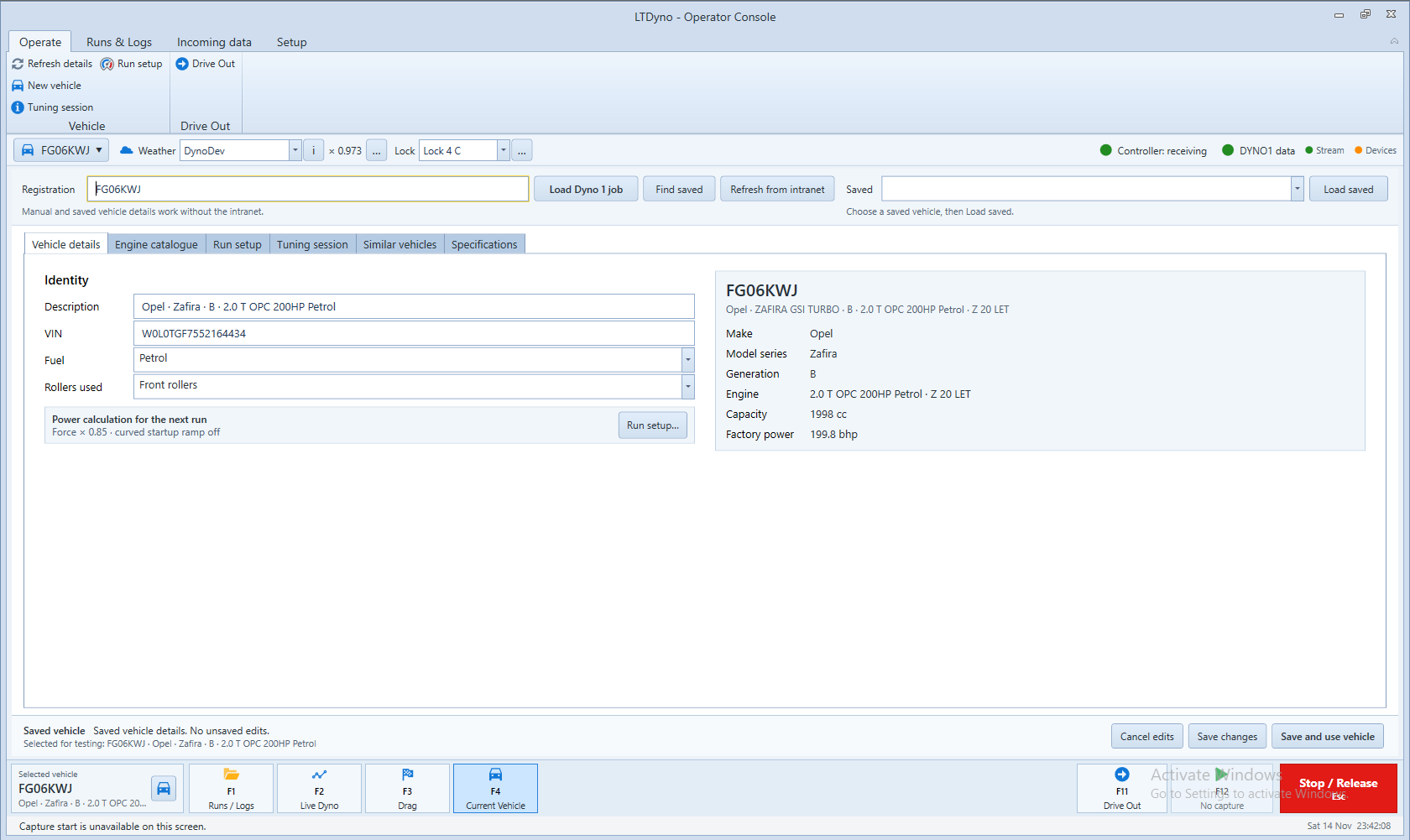
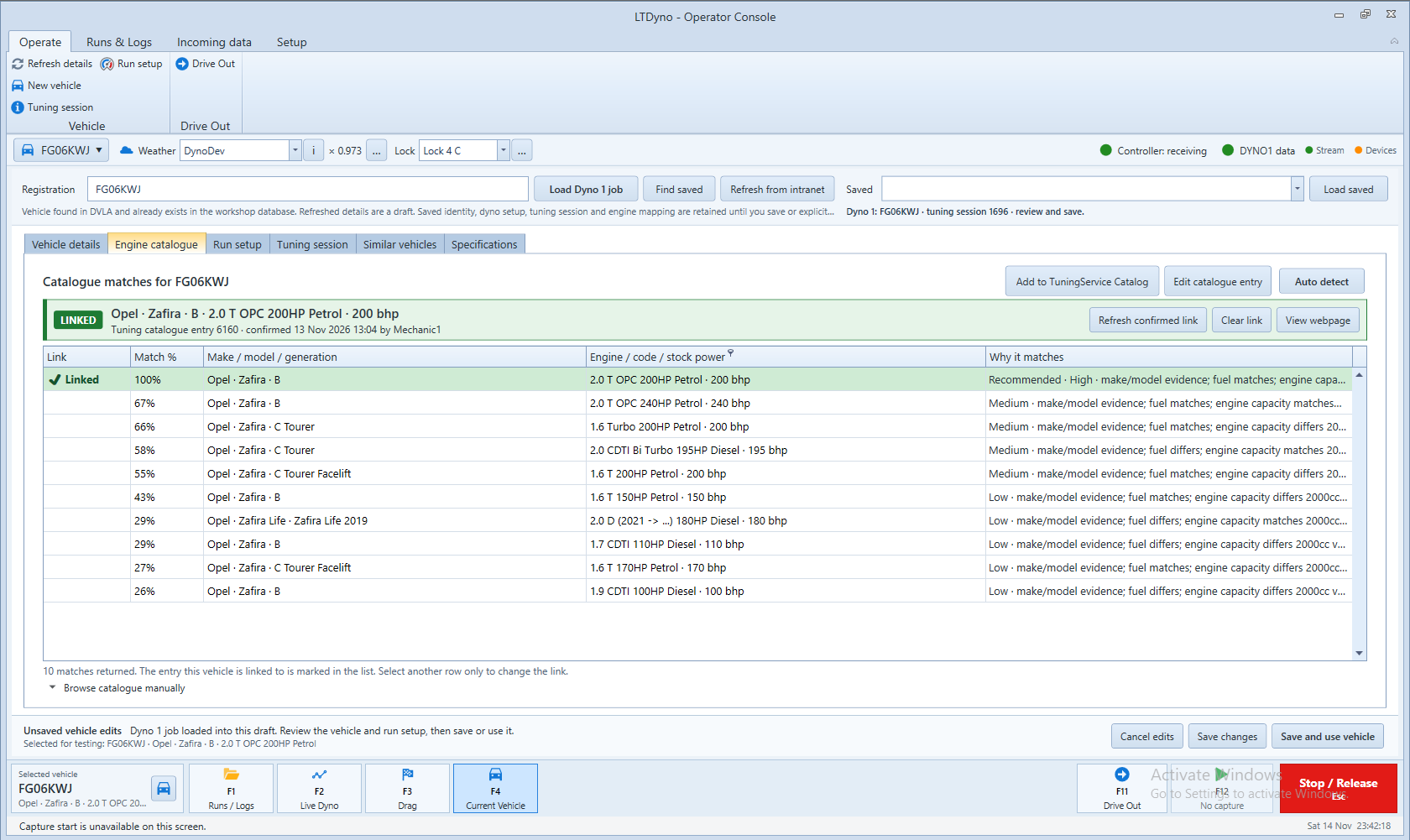
Look up the vehicle by registration and connect it to our tuning catalogue to identify the relevant model and engine. That makes it easier to compare the car with similar vehicles instead of relying on a generic description.
Our separate multi-dyno management system can also pass a selected vehicle to LT Dyno.
Questions about LT Dyno
Is LT Dyno free?
Yes. LT Dyno is free; send us a message if you would like to use it.
Do I need to replace my Dyno Developments controller?
No. LT Dyno is a drop-in software replacement using the existing controller, dyno hardware and calibration system.
Can I use it for data logging outside a power run?
Yes. LT Dyno can bring supported dyno and external logger channels together for monitoring and recording.